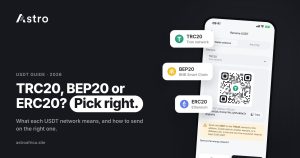
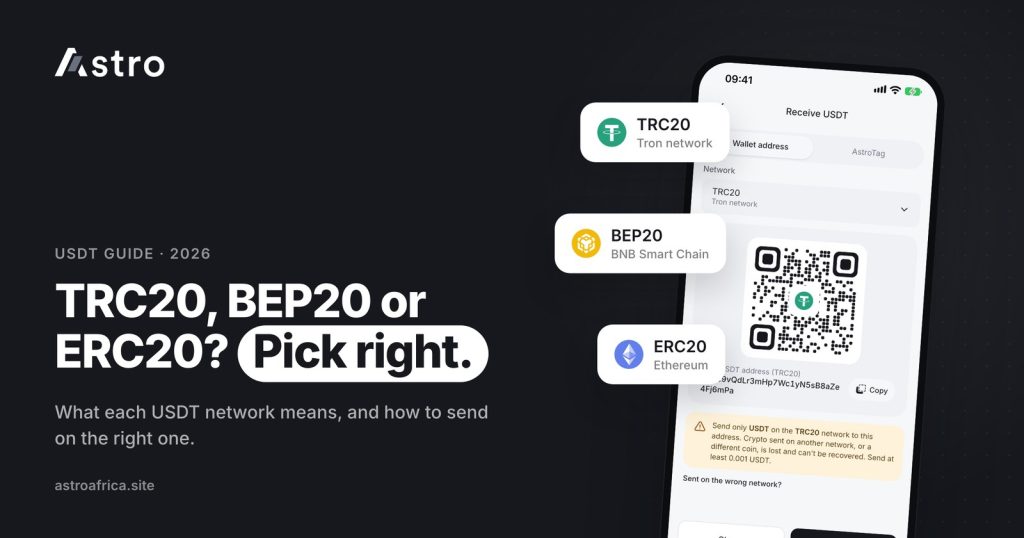
USDT TRC20, BEP20 and ERC20 are the same dollar stablecoin moving on three different blockchains: Tron, BNB Smart Chain and Ethereum. The coin is worth the same on all three, but the network decides the fee you pay to send it, the address you send it to, and whether it arrives at all, so the network you choose when sending must match the network on the receiving side.
This guide explains what a USDT network actually is, how TRC20, BEP20 and ERC20 compare, how to pick the right one when moving USDT from Binance, Trust Wallet or another app, and how to deposit USDT into Astro and sell it for naira or cedis.
Key points
- TRC20 runs on Tron, BEP20 on BNB Smart Chain and ERC20 on Ethereum. One USDT is still one USDT on each.
- ERC20 transfers tend to cost more in network fees than TRC20 or BEP20, especially when Ethereum is busy.
- The sending app and the receiving wallet must use the same network. Astro supports USDT on TRC20, BEP20 and ERC20.
- USDT sent on the wrong network, or sent as a different coin, cannot be recovered.
- On Astro, Nigerian users can sell USDT for naira, and Ghanaian users can sell USDT for cedis and withdraw to mobile money.
What is a USDT network?
USDT (Tether) is a stablecoin designed to track the US dollar. Tether does not run its own blockchain. Instead, it issues USDT on several existing blockchains, and each version is a separate token that lives only on its own chain.
Think of it like a bank transfer. The naira in a GTBank account and the naira in an OPay account are the same currency, but each one sits inside a different system with its own account numbers and rules. Blockchains work in a similar way. USDT on Tron sits inside the Tron system, USDT on BNB Smart Chain sits inside the BNB system, and so on.
The names TRC20, BEP20 and ERC20 are the token standards on each chain:
- TRC20: the token standard on the Tron network.
- BEP20: the token standard on BNB Smart Chain (often shown as BSC).
- ERC20: the token standard on Ethereum.
When an exchange or wallet asks you to “select a network” before withdrawing USDT, it is asking which of these chains the coins should travel on. Getting that choice right is the single most important step in any USDT transfer. If you are new to wallets and addresses, the beginner’s guide to crypto wallets is a good place to start.
USDT TRC20 vs BEP20 vs ERC20: how they compare
All three networks move the same dollar value. The differences are in cost, address format, the coin you need for fees, and how widely each one is used.
| TRC20 | BEP20 | ERC20 | |
|---|---|---|---|
| Blockchain | Tron | BNB Smart Chain | Ethereum |
| Address usually starts with | T | 0x | 0x |
| Coin used to pay network fees (in self-custody wallets) | TRX | BNB | ETH |
| Typical network fee level | Generally low | Generally low | Tends to be higher, and rises when Ethereum is busy |
| Common use | Everyday USDT transfers, P2P, exchanges | Binance users and BNB Chain apps | Ethereum apps, larger transfers, some wallets that only use Ethereum |
Exact fees change all the time and differ from app to app, so this guide does not quote numbers. Always check the fee your sending app shows on its confirmation screen before you approve the transfer.
TRC20 (Tron)
TRC20 is one of the most widely used ways to move USDT in Nigeria and Ghana. Transfers are usually quick and network fees are generally low, which is why many traders, freelancers and P2P sellers default to it. TRC20 addresses start with the capital letter “T”, which makes them easy to tell apart from the other two.
If you send from a self-custody wallet such as Trust Wallet, you will need some TRX in that wallet to cover the network fee. Exchanges usually take the fee from your withdrawal instead.
BEP20 (BNB Smart Chain)
BEP20 is popular with people who already use Binance or apps built on BNB Chain. Fees are also generally low. In a self-custody wallet, the fee is paid in BNB.
BEP20 addresses start with “0x”, exactly like ERC20 addresses. This is where many costly mistakes happen: an address can look correct, but if the sender picks ERC20 while the receiving wallet expects BEP20 (or the other way round), the funds can be lost.
ERC20 (Ethereum)
ERC20 USDT lives on Ethereum, the oldest of the three smart-contract networks. It is widely supported by wallets and apps, but network fees tend to be higher than on TRC20 or BEP20, and they can climb when Ethereum is congested. For small, everyday transfers, many users choose TRC20 or BEP20 instead. In a self-custody wallet, ERC20 fees are paid in ETH.
Which USDT network should you use?
There is no single “right” network. The right one is the network that both the sender and the receiver support, at a fee you are comfortable with. A simple way to decide:
- Check what the receiving wallet supports. If you are depositing into Astro, TRC20, BEP20 and ERC20 are all supported.
- Check what the sending app supports. Most large exchanges offer all three, but some wallets or platforms only offer one or two.
- Compare the fee shown by the sending app. Pick a network both sides support with a fee that makes sense for the amount.
- Make sure you have the fee coin if needed. In a self-custody wallet, you need TRX for TRC20, BNB for BEP20 or ETH for ERC20.
For most people moving USDT to sell for naira or cedis, TRC20 or BEP20 is the practical choice because fees are usually lower. ERC20 still works perfectly well; it is simply often more expensive to send.
The wrong-network warning: read this before you send
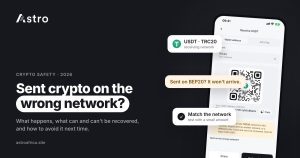
This is the part that costs people real money. USDT sent on the wrong network, or sent as a different coin, cannot be recovered. Blockchains do not have a reversal button, and once the transaction is confirmed, no one can pull it back.
Common ways funds get lost:
- Copying a TRC20 deposit address but choosing BEP20 or ERC20 on the sending app (most apps will reject this because the address format is different, but not every app checks).
- Copying a BEP20 address and sending on ERC20, or the reverse. Both start with “0x”, so the sending app may accept it without complaint.
- Sending a different coin, such as USDC or ETH, to a USDT deposit address.
- Pasting an address that was changed by clipboard malware or sent by a scammer pretending to be support.
A few habits prevent almost all of these mistakes:
- Always open the receiving wallet first, select the network there, and copy that exact address.
- Select the same network on the sending app, letter for letter.
- Check the first and last few characters of the pasted address against the original.
- For a large amount, send a small test first and wait for it to arrive.
- Never use an address someone sends you in a DM claiming to be Astro support.
For more on staying safe, read how to protect your crypto wallet from scammers and crypto scams in Nigeria and how to protect yourself.
How to deposit USDT into Astro on the right network
Signing up on Astro doesn’t require ID, and crypto trading and crypto withdrawals need no ID verification. Some other features, such as Nigerian bank accounts and naira account numbers, do require verification.
To receive USDT into your Astro wallet:
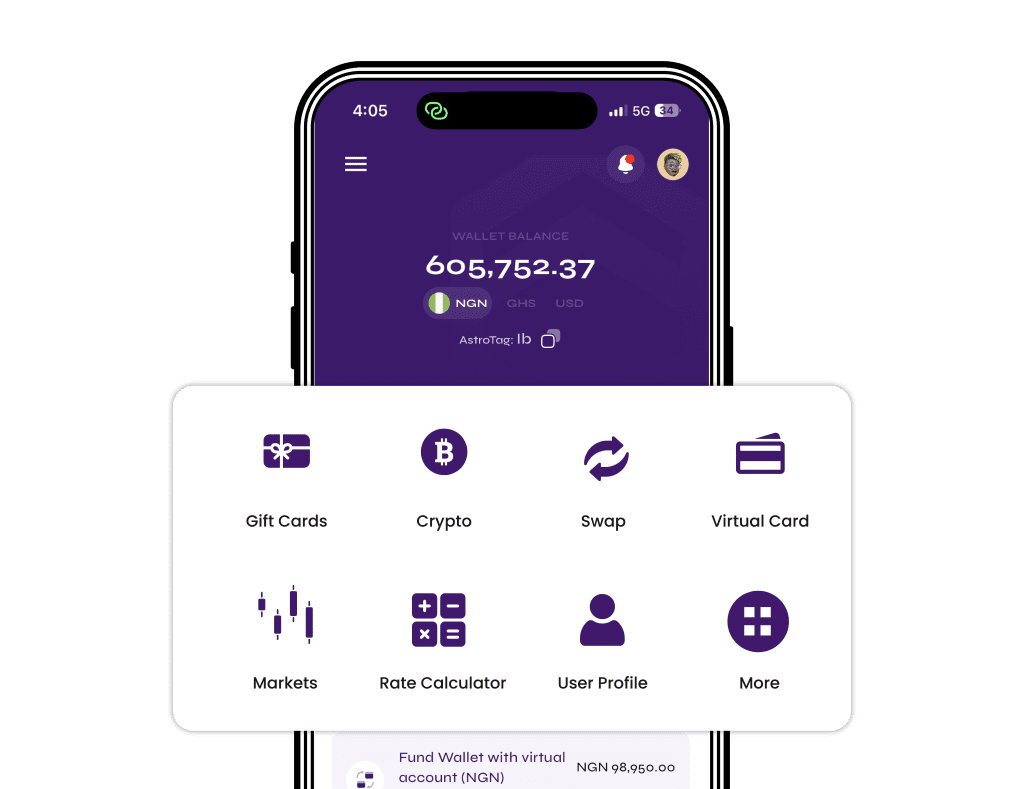
- Open the Astro app and go to your USDT wallet.
- Tap Receive (or the deposit option) and choose the network you plan to send on: TRC20, BEP20 or ERC20.
- Copy the address shown for that network, and only use it with that same network.
- Go to the app you are sending from and paste the address.
- Select the matching network on the sending side and confirm the transfer.
- Wait for the network confirmations. Your USDT shows in your Astro wallet once the deposit is confirmed.
Sending from Binance
On Binance, the usual flow is to open your wallet, choose to withdraw USDT, paste your Astro deposit address, then pick the network from the list. Choose the same network you selected in Astro, review the amount and the fee Binance shows, and confirm. Labels may differ slightly depending on your app version.
Sending from Trust Wallet
In Trust Wallet, each USDT version appears as its own asset, usually marked with its network (for example USDT on Tron, USDT on BNB Smart Chain, or USDT on Ethereum). Open the USDT asset that matches the network you chose in Astro, tap Send, paste the address and confirm. Remember to keep enough TRX, BNB or ETH in Trust Wallet to cover the network fee. Labels may differ slightly by app version.
How to sell USDT for naira or cedis on Astro
Once your USDT is in your Astro wallet, you can hold it or sell it. You don’t have to sell immediately.
In Nigeria: sell USDT for naira
- Open your USDT wallet in the Astro app and choose to sell.
- Enter the amount and review the naira value shown at the current rate.
- Confirm with your 5-digit transaction PIN or Face ID.
- Withdraw the naira to a Nigerian bank account, including OPay and PalmPay.
Eligible Nigerian payouts can arrive in as fast as 60 seconds under normal conditions, though bank delays, network congestion or maintenance can affect timing. Payouts also run on weekends and public holidays. The least naira withdrawal is ₦300. For a full walkthrough, see how to sell USDT in Nigeria, and if you hold Bitcoin too, the guide to selling Bitcoin in Nigeria.
In Ghana: sell USDT for cedis and withdraw to mobile money
- Open your USDT wallet in the Astro app and choose to sell for cedis.
- Enter the amount and review the cedi value shown.
- Confirm with your PIN or Face ID.
- Withdraw your cedis to mobile money: MTN MoMo, Telecel Cash (formerly Vodafone Cash) or AirtelTigo Money.
Ghana withdrawals go to mobile money only for now and are checked by the Astro team before they are paid, so timing can vary. Ghanaian users can’t fund a cedis wallet directly at the moment; cedis come from selling crypto or gift cards. The step-by-step guide to selling USDT in Ghana to mobile money covers this in more detail, and the Ghana page lists what is available in Ghana.
A few things to know about withdrawals
- A withdrawal that is already processing can’t be cancelled.
- If a withdrawal fails, everything taken is refunded, including the withdrawal fee.
- Astro does not swap naira and cedis directly.
To move USDT to another Astro user, you can use Astro Tag. Crypto sends between Astro users by Astro Tag are free and don’t involve choosing a blockchain network. For outside crypto sends, you can turn on an optional two-step check with an authenticator app for extra protection. More on how accounts are protected is on the security page, and the full list of tools is on the features page.
Frequently asked questions
Is USDT TRC20 the same as USDT BEP20 or ERC20?
They have the same value, one USDT each, but they live on different blockchains. TRC20 is on Tron, BEP20 is on BNB Smart Chain and ERC20 is on Ethereum. They are not interchangeable on the blockchain itself, which is why the network must match on both sides of a transfer.
Which USDT network has the lowest fees?
TRC20 and BEP20 generally have lower network fees than ERC20, which tends to cost more, especially when Ethereum is busy. Fees change constantly, so check the fee your sending app shows before you confirm.
Which USDT networks does Astro support?
Astro supports USDT deposits on TRC20, BEP20 and ERC20. Choose the network in the app before copying your deposit address.
What happens if I send USDT on the wrong network?
USDT sent on the wrong network, or sent as a different coin, cannot be recovered. Always copy the address for the exact network you plan to use and select that same network on the sending app.
Why do BEP20 and ERC20 addresses look the same?
Both BNB Smart Chain and Ethereum use addresses that start with “0x”. Because they look alike, a sending app may accept the address even if you pick the wrong network. That is why you should check the network name, not just the address.
Do I need TRX, BNB or ETH to send USDT?
In a self-custody wallet like Trust Wallet, yes. You pay the network fee in the chain’s own coin: TRX for TRC20, BNB for BEP20 and ETH for ERC20. Exchanges usually deduct the fee from the withdrawal instead.
Can I convert USDT from one network to another?
Some exchanges let you deposit on one network and withdraw on another, because they hold balances across networks. This is done through the exchange, not by sending directly between chains. Check that your exchange supports both networks before relying on this.
Do I need KYC to deposit and sell USDT on Astro?
No. Sign-up doesn’t ask for ID, and crypto trading and crypto withdrawals don’t need ID verification. Some features, such as Nigerian bank accounts and naira account numbers, do require verification.
How long does it take to receive naira or cedis after selling USDT?
In Nigeria, eligible payouts can arrive in as fast as 60 seconds under normal conditions, though banks and maintenance can affect timing. In Ghana, mobile money withdrawals are checked by the team before payment, so timing varies.
Where can I see today’s rates?
Rates move with the market, so check the rate shown in the app before you sell. For gift cards, see today’s live rates in naira and cedis.
Choosing between TRC20, BEP20 and ERC20 comes down to one rule: match the network on both sides, then pick the fee that suits you. When your USDT is ready to turn into naira or cedis, download the Astro app, copy your deposit address for the right network, and sell in a few taps.