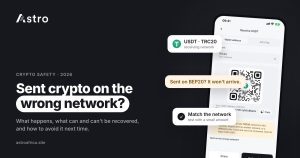
If you sent USDT or another coin on the wrong network, the funds have usually left your wallet for good, and whether anything can be done depends entirely on who controls the receiving address. On Astro, crypto sent on the wrong network, or sent as a different coin, cannot be recovered, so the only reliable protection is checking the network before you press send.
This guide explains what happens when crypto goes to the wrong network, when another platform might help, what to do next, and how users in Nigeria and Ghana can avoid the mistake.
Key points
- Blockchain transfers can’t be reversed. Once a wrong-network transaction is confirmed, no one can pull it back.
- On Astro, crypto sent on the wrong network or as a different coin cannot be recovered.
- Some exchanges may sometimes try to recover a wrong-network deposit, usually for a fee and entirely at their own discretion. It is never guaranteed.
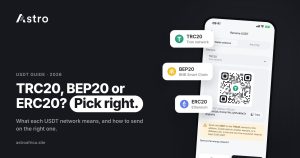
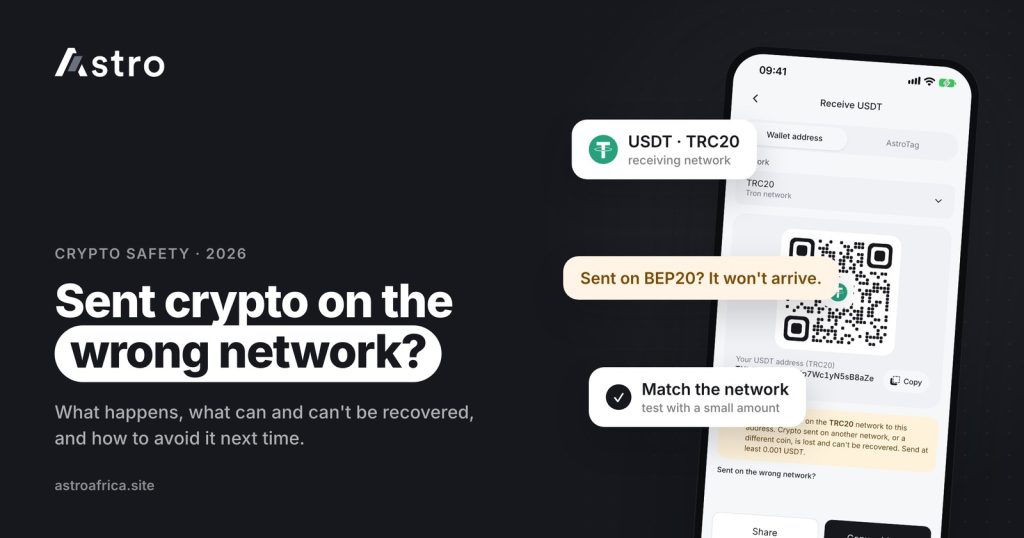
- Astro supports USDT on TRC20, BEP20 and ERC20. Always pick the same network on the sending side.
- If an outside crypto send from Astro fails, the amount and Astro’s fee come back to your wallet.
What does “sending on the wrong network” mean?
Many coins exist on more than one blockchain. USDT is the clearest example: the same dollar stablecoin is issued on Tron (TRC20), BNB Smart Chain (BEP20), Ethereum (ERC20) and other chains, and each version lives only on its own chain.
A wrong-network send happens when the network chosen on the sending app doesn’t match the network of the receiving address. A related mistake is sending the wrong coin entirely, such as USDC or ETH to a USDT deposit address.
If wallets and addresses are new to you, the beginner’s guide to crypto wallets explains the basics before you go further.
What actually happens when you send USDT on the wrong network
There are three common situations.
1. The sending app rejects the address
This is the lucky case. TRC20 addresses start with “T”, while BEP20 and ERC20 addresses start with “0x”. If you paste a TRC20 address and pick ERC20, most apps spot that the format is wrong and refuse to continue. Nothing is lost. Go back, choose the correct network and try again.
2. The address is valid on both networks
This is where most losses happen. BEP20 and ERC20 addresses look identical because BNB Smart Chain and Ethereum use the same address format. If you copy a BEP20 deposit address and send on ERC20, the sending app may accept it without any warning. The transaction completes on Ethereum, but the platform you were paying only watches BNB Smart Chain for that deposit, so the funds never show up.
The coins are not destroyed. They sit at that address on the other chain, and whether anyone can reach them depends on who holds its private key.
3. The wrong coin is sent
Sending USDC to a USDT address, for example, creates the same problem: the receiving platform isn’t expecting that coin, so it doesn’t credit it.
Can crypto sent on the wrong network be recovered?
The honest answer is: sometimes, depending on the receiving side, but never guaranteed. It helps to separate the cases.
| Where the funds went | What usually happens |
|---|---|
| Your own self-custody wallet (for example Trust Wallet or MetaMask, where you hold the recovery phrase) | If the wallet supports the network the funds arrived on, you may be able to see them by adding that network or token in the wallet, because you control the key for both chains. |
| A large exchange deposit address | Some exchanges may sometimes try to recover a wrong-network deposit through their support team, usually for a fee and entirely at their own discretion. Many will decline. There is no obligation to help. |
| Astro | Crypto sent to Astro on the wrong network, or sent as a different coin, cannot be recovered. |
| An address no one controls on that chain | The funds are effectively lost for good. |
No legitimate platform can reverse a blockchain transaction. Plan as if the funds are gone and treat any recovery as a bonus.
Beware of “crypto recovery” scammers
People who post about losing crypto online are quickly targeted. Strangers send messages promising to recover funds sent on the wrong network, often claiming to be Astro support, an exchange agent or a “blockchain specialist”. They usually ask for an upfront fee, your recovery phrase, or access to your wallet.
- Never share your recovery phrase, private key, PIN or one-time codes with anyone.
- Astro support will never ask for your recovery phrase or PIN.
- Only contact a platform through its official app or website, never through an account that messaged you first.
- Anyone promising a guaranteed recovery for a fee is almost certainly running a scam.
No method removes fraud risk completely, but these rules prevent the most common traps. For more, read how to protect your crypto wallet from scammers and crypto scams in Nigeria and how to protect yourself.
What to do right after a wrong-network send
If you have just realised the network was wrong, work through these steps calmly.
- Find the transaction hash (TxID). Your sending app shows it in the withdrawal history. Save it along with the amount, coin, network and receiving address.
- Check it on a block explorer. Look up the hash on the explorer for the network you actually used (for example Tronscan for Tron, BscScan for BNB Smart Chain, Etherscan for Ethereum). This confirms where the funds went.
- If it was your own wallet, open it and add the network or token the funds landed on. If the wallet supports that chain, the balance may appear.
- If it was an exchange, contact that exchange’s support through its official app with the transaction details and ask whether recovery is possible. Accept whatever answer they give; it is their decision.
- If it was Astro, understand that wrong-network and wrong-coin deposits cannot be recovered. You can still contact Astro support at [email protected] if you are unsure what happened or need help checking a deposit.
- Ignore anyone who contacts you offering recovery. Real support never reaches out first through DMs.
How to avoid sending crypto on the wrong network
Almost every wrong-network loss is preventable. These habits take a minute and protect every transfer.
Match the network on both sides
Always start from the receiving wallet. Open it, choose the network there, and copy the address shown for that network. Then select exactly the same network on the sending app; TRC20 is sometimes labelled “Tron”. Check the network name, not just the address, because BEP20 and ERC20 addresses look the same.
Copy and paste the address, never type it
A single wrong character sends funds to a different address. Use the copy button in the receiving app and paste it into the sending app. Then compare the first and last few characters with the original, because clipboard malware can swap a copied address for an attacker’s.
Send a small test first
For any large amount, or the first time you send to a new address, send a small test amount first. Wait for it to arrive and show in the receiving wallet, then send the rest. The extra network fee is small compared with the cost of losing the full amount.
Check for a memo or tag where required
Some exchanges and some coins require a memo, tag or note alongside the address so the deposit can be matched to your account. If the receiving platform shows a memo or tag field, include it exactly as shown. If it doesn’t show one, leave the field empty.
Send the right coin
Open the correct asset in the sending app. Sending USDC from a USDC balance to a USDT address is a wrong-coin send, even on the right network.
USDT networks and coins supported on Astro
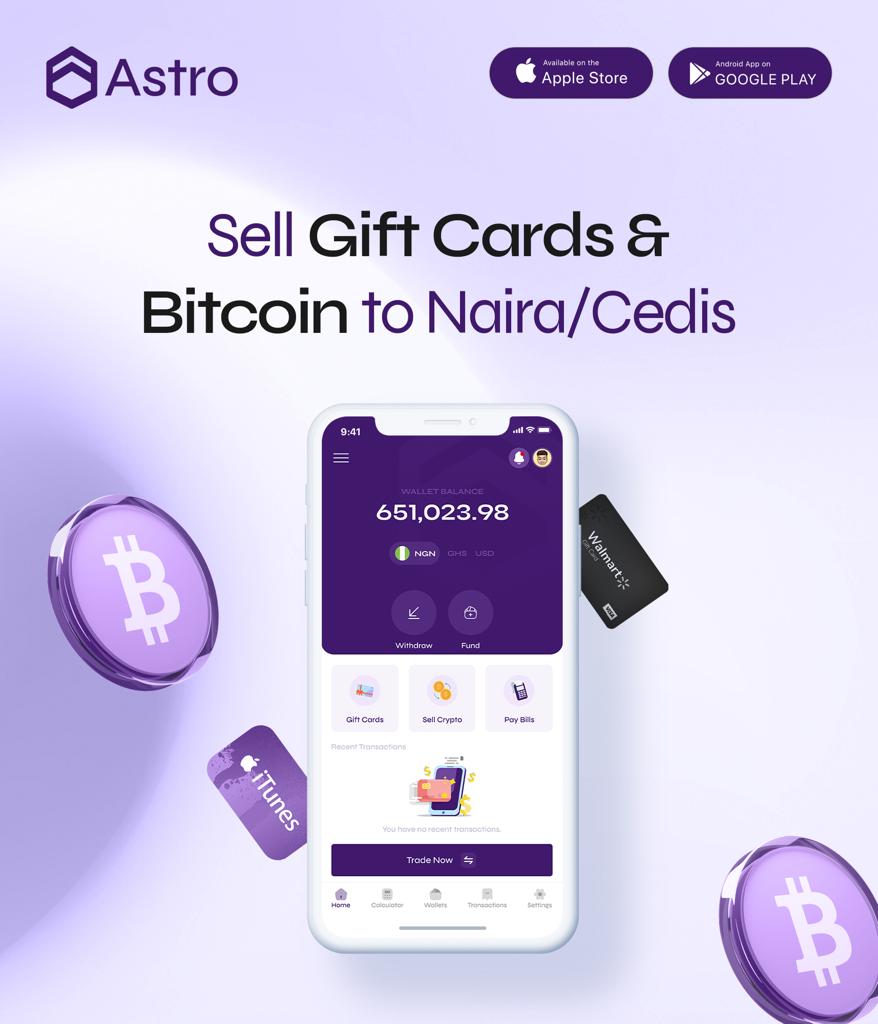
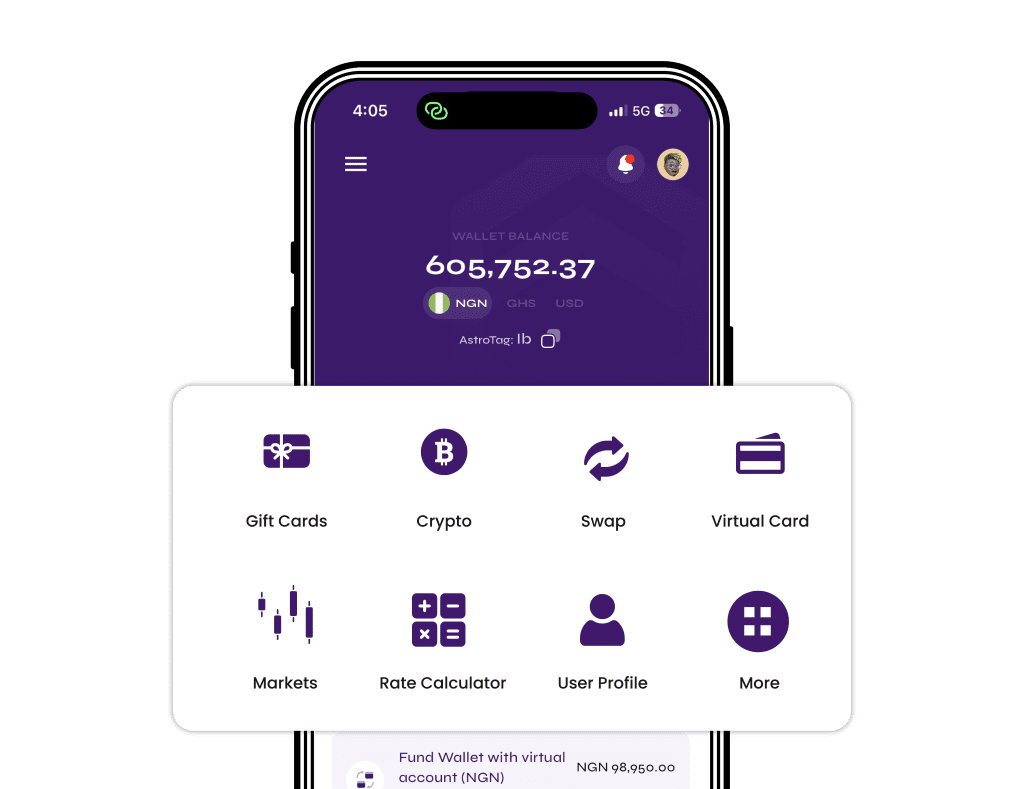
Astro supports BTC, USDT, USDC, ETH, BNB, TRX, LTC, DOGE and SOL. For USDT, the TRC20, BEP20 and ERC20 networks are live.
To receive crypto into Astro safely:
- Open the Astro app and go to the wallet for the coin you plan to send.
- Tap Receive and, where there is a choice, select the network you will send on.
- Copy the address shown for that coin and network.
- Paste it into the sending app and select the matching network there.
- Send a small test first if the amount is large, then confirm the full transfer.
- Wait for network confirmations. The deposit appears once it is confirmed.
Sending Bitcoin instead? The guide to sending Bitcoin from your Blockchain wallet to Astro walks through the same idea step by step.
Sending crypto out of Astro
When sending from Astro to Trust Wallet, Binance, MetaMask or another wallet, the same rules apply in reverse: copy the address from the receiving wallet, select the matching network in Astro, and check before confirming. You can turn on an optional two-step check with an authenticator app for outside crypto sends. If an outside send from Astro fails, the amount and Astro’s fee come back to your wallet. A send that completes on the wrong network, however, cannot be reversed.
To move crypto to another Astro user, Astro Tag is simpler. Crypto sends by Astro Tag are free and go to any Astro user without choosing a blockchain network, which removes the wrong-network risk for those transfers.
Selling USDT for naira or cedis after a safe deposit
Once your USDT has arrived on the right network, you can hold it or sell it on Astro. Nigerian users can sell for naira and withdraw to a Nigerian bank account, including OPay and PalmPay. Eligible payouts can arrive in as fast as 60 seconds under normal conditions, though bank delays or maintenance can affect timing. See how to sell USDT in Nigeria for the full walkthrough.
Ghanaian users can sell USDT for cedis and withdraw to mobile money (MTN MoMo, Telecel Cash or AirtelTigo Money). Ghana withdrawals are checked by the team before payment, so timing can vary. The guide to selling USDT in Ghana covers each step.
FAQs
What happens if I send USDT on the wrong network?
The transaction completes on the network you chose, but the receiving platform doesn’t see it because it watches a different chain. The funds sit at that address on the other network. Whether they can be reached depends on who controls that address.
Can Astro recover crypto sent on the wrong network?
No. Crypto sent to Astro on the wrong network, or sent as a different coin, cannot be recovered. Always match the network and coin before sending.
Can Binance or other exchanges recover a wrong-network deposit?
Some exchanges may sometimes try, usually for a fee and entirely at their discretion. Many decline. Contact the exchange only through its official app or website and don’t assume recovery will be possible.
I sent BEP20 USDT to an ERC20 address. Is it lost?
If the address belongs to your own self-custody wallet that supports BNB Smart Chain, you may see the funds by adding that network. If it belongs to an exchange or platform, recovery depends on that platform, and on Astro it isn’t possible.
Why did the app accept the wrong network without a warning?
BEP20 and ERC20 addresses both start with “0x”, so the address is valid on both chains. The app can’t tell which network the receiver expects. That is why you should check the network name, not just the address.
Which USDT networks does Astro support?
Astro supports USDT on TRC20, BEP20 and ERC20. Select the network in the app before copying your deposit address, and choose the same one on the sending side.
What happens if a withdrawal from Astro fails?
If an outside crypto send from Astro fails, the amount and Astro’s fee come back to your wallet. This is different from a send that completes on the wrong network, which cannot be reversed.
Do I need a memo or tag to send USDT?
Only if the receiving platform asks for one. Some exchanges require a memo or tag for certain deposits. If the receiving screen shows a memo or tag, include it exactly; if not, leave it empty.
Someone messaged me offering to recover my crypto. Should I trust them?
No. Unsolicited recovery offers are a common scam. Never pay upfront fees or share your recovery phrase, private key, PIN or codes. Astro support will never ask for them.
Where can I check today’s rates?
Crypto rates move with the market, so check the rate shown in the app before you sell. For gift cards, see today’s live rates in naira and cedis.
Sending crypto on the wrong network is one of the most expensive mistakes in crypto, and one of the easiest to avoid: match the network, paste the address, and test with a small amount first. When you’re ready to receive and sell USDT safely, download the Astro app, copy your deposit address for the right network, and sell for naira or cedis in a few taps.