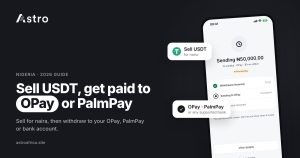
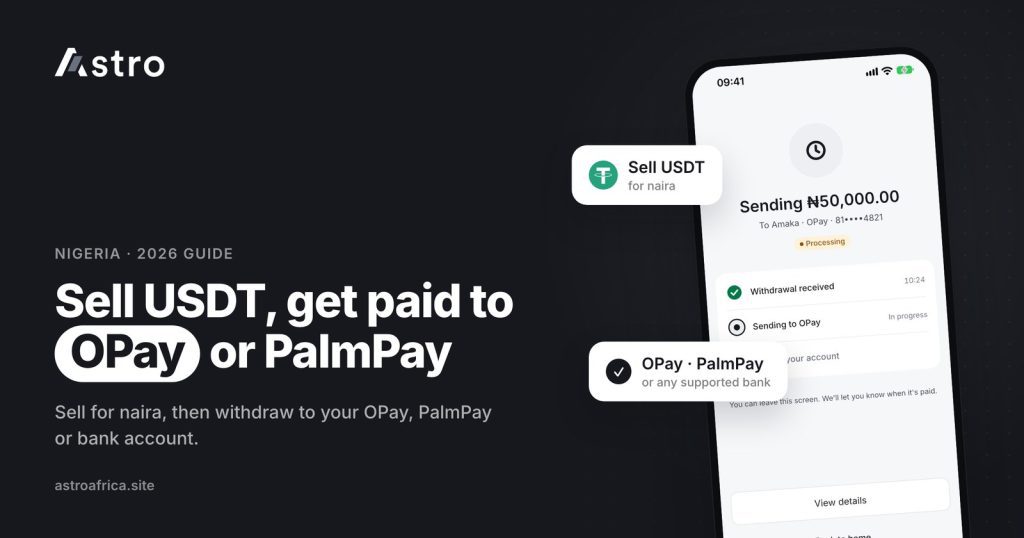
To sell USDT to OPay or PalmPay, sell your USDT for naira in the Astro app, then withdraw that naira to your OPay or PalmPay account like any other Nigerian bank account. Eligible payouts can arrive in as fast as 60 seconds under normal conditions, and the smallest naira withdrawal is ₦300.
The same steps work for Bitcoin, USDC, ETH, BNB, TRX, LTC, DOGE and SOL. This guide walks through the full process, what to check before you confirm, and the mistakes that cost people money.
Key points
- Astro pays naira to supported Nigerian bank accounts, including OPay and PalmPay.
- The flow is two parts: sell your crypto for naira, then withdraw to your account.
- Least naira withdrawal is ₦300. Payouts also run on weekends and public holidays.
- Always check the account name shown before you confirm a withdrawal.
- If a withdrawal fails, everything taken is refunded, including the withdrawal fee.
- Send USDT only on a supported network (TRC20, BEP20 or ERC20). Wrong-network deposits can’t be recovered.
Why people cash out crypto to OPay and PalmPay
OPay and PalmPay have become everyday accounts for millions of Nigerians. They are quick to open, easy to use for transfers and POS payments, and many people already receive salaries, client payments and family support into them. So when someone earns or holds USDT, the natural question is how to turn it into naira in the account they actually spend from.
On Astro, OPay and PalmPay are treated as supported Nigerian bank accounts. That means you don’t need a separate “OPay mode” or a middleman. You sell your crypto for naira in the app, then send the naira to your OPay or PalmPay account number.
If you are new to stablecoins and why so many Nigerians hold them, the guide on USDT vs naira gives useful background.
What you need before you start
- The Astro app on your phone, or the web app, with an account. Sign-up doesn’t ask for ID, and no ID is needed to trade crypto or withdraw crypto.
- Some USDT or another supported coin, either already in your Astro wallet or in another wallet or exchange you can send from.
- Your OPay or PalmPay account number, which is usually your phone number without the first zero. Check the exact number inside your OPay or PalmPay app.
- Your 5-digit transaction PIN set up in Astro. Face ID can also be used to confirm payments on supported phones.
Some features, such as a Nigerian bank account issued through Astro, need verification. Selling crypto and withdrawing naira to your own OPay or PalmPay account follows the normal withdrawal flow in the app. If the app asks for more details at any point, it will show what is needed.
How to sell USDT to OPay or PalmPay: step by step
Part 1: Get your USDT into Astro
If your USDT is already in your Astro wallet, skip to Part 2. If it is on Binance, Trust Wallet or another app, you need to send it to your Astro USDT address first.
- Open the Astro app, go to your USDT wallet and tap Receive.
- Choose the network you want to use: TRC20, BEP20 or ERC20.
- Copy the deposit address shown for that network.
- In the sending app (for example Binance or Trust Wallet), choose Withdraw or Send for USDT, paste the address, and pick the same network you chose in Astro. Labels may differ slightly depending on the app version.
- Check the first and last few characters of the address, enter the amount and confirm.
- Wait for the network confirmations. The deposit shows in your Astro wallet once the blockchain confirms it.
Important: crypto sent on the wrong network, or sent as a different coin, can’t be recovered. If you choose TRC20 in Astro, send on TRC20 from the other app. Never guess.
Part 2: Sell your USDT for naira
- In Astro, open your USDT wallet and choose the option to sell.
- Enter how much USDT you want to sell.
- Review the naira amount the app shows you before confirming.
- Confirm with your transaction PIN or Face ID.
The naira lands in your Astro naira wallet. You can withdraw it straight away or hold it for later. Rates move with the market, so always check the amount shown in the app at the time you sell. Astro doesn’t publish fixed crypto rates in blog posts, so treat any fixed rate you see online as a rough guide at best.
Part 3: Withdraw naira to your OPay or PalmPay account
- Go to your naira wallet and choose to withdraw.
- Select OPay or PalmPay from the list of banks.
- Enter your OPay or PalmPay account number.
- Check the name shown before you confirm. It should match the account you expect. If it doesn’t, stop and recheck the number.
- Enter the amount. The least naira withdrawal is ₦300.
- Review any fee and the final amount shown, then confirm with your PIN or Face ID.
While the withdrawal is being handled, the app shows it as Processing. Eligible payouts can arrive in as fast as 60 seconds under normal conditions. Bank delays or maintenance on the receiving side can sometimes slow things down.
Selling other coins to OPay or PalmPay
USDT is the most common coin Nigerians cash out, but the same flow works for every coin Astro supports: BTC, USDC, ETH, BNB, TRX, LTC, DOGE and SOL. Deposit the coin, sell it for naira, then withdraw to your OPay or PalmPay account.
For Bitcoin specifically, see how to sell Bitcoin in Nigeria and the guide on withdrawing Bitcoin to a Nigerian bank account. For a deeper USDT walkthrough to any Nigerian bank, read how to sell USDT in Nigeria.
OPay, PalmPay or a traditional bank: which should you use?
All three work for receiving naira from Astro. The right choice depends on how you plan to use the money.
| OPay | PalmPay | Traditional bank | |
|---|---|---|---|
| Supported for Astro naira payouts | Yes | Yes | Yes (supported Nigerian banks) |
| Account number format | Usually your phone number without the first 0 | Usually your phone number without the first 0 | 10-digit NUBAN |
| Good for | Everyday transfers, POS, bills | Everyday transfers, airtime, bills | Large balances, salary, loans |
| Account limits | Depend on your OPay tier | Depend on your PalmPay tier | Depend on your bank and account type |
One thing worth checking: OPay and PalmPay accounts have tier limits on how much they can receive or hold, based on how far you have verified with them. If you are cashing out a large amount, confirm your OPay or PalmPay tier first so the transfer isn’t held on their side.
Common mistakes to avoid
Sending USDT on the wrong network
This is the costliest mistake. If you pick TRC20 on Astro and send on another network from Binance, the funds can’t be recovered. Match the network every time.
Typing the wrong account number
OPay and PalmPay numbers look like phone numbers, so it is easy to add the leading zero or swap two digits. Always read the name the app shows before confirming. A withdrawal can’t be cancelled once it is submitted.
Trading through strangers on WhatsApp or Telegram
Many people still sell USDT to “vendors” who promise a higher rate and ask you to send first. This is a common way people lose crypto. Read crypto scams in Nigeria and how to protect yourself and how to avoid getting scammed when selling BTC before you deal with anyone off-platform.
Ignoring your OPay or PalmPay limits
If your wallet tier is low, a large incoming transfer may be held or returned by OPay or PalmPay. Check your tier before cashing out big amounts.
What happens if a withdrawal fails?
Sometimes a transfer doesn’t go through, for example because the receiving bank is down or the account can’t receive funds. When a naira withdrawal fails on Astro, everything taken is refunded to your naira wallet, including the withdrawal fee. You can then try again later or choose a different account.
Payouts also run on weekends and public holidays, so you don’t have to wait for Monday. Timing can still be affected by bank delays or maintenance on the receiving side.
Keeping your account safe
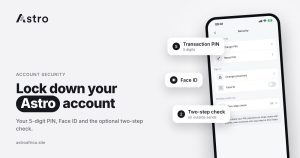
Astro protects your money with a 5-digit transaction PIN, Face ID on supported phones, and an optional two-step check using an authenticator app on outside crypto sends. Turn on the two-step check if you regularly move crypto out of Astro. No app can promise zero fraud risk, so keep your PIN private and never share codes with anyone claiming to be support.
More tips are in how to protect your crypto wallet from scammers and on the Astro security page.
Other ways to use your naira on Astro
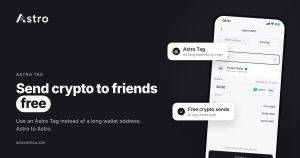
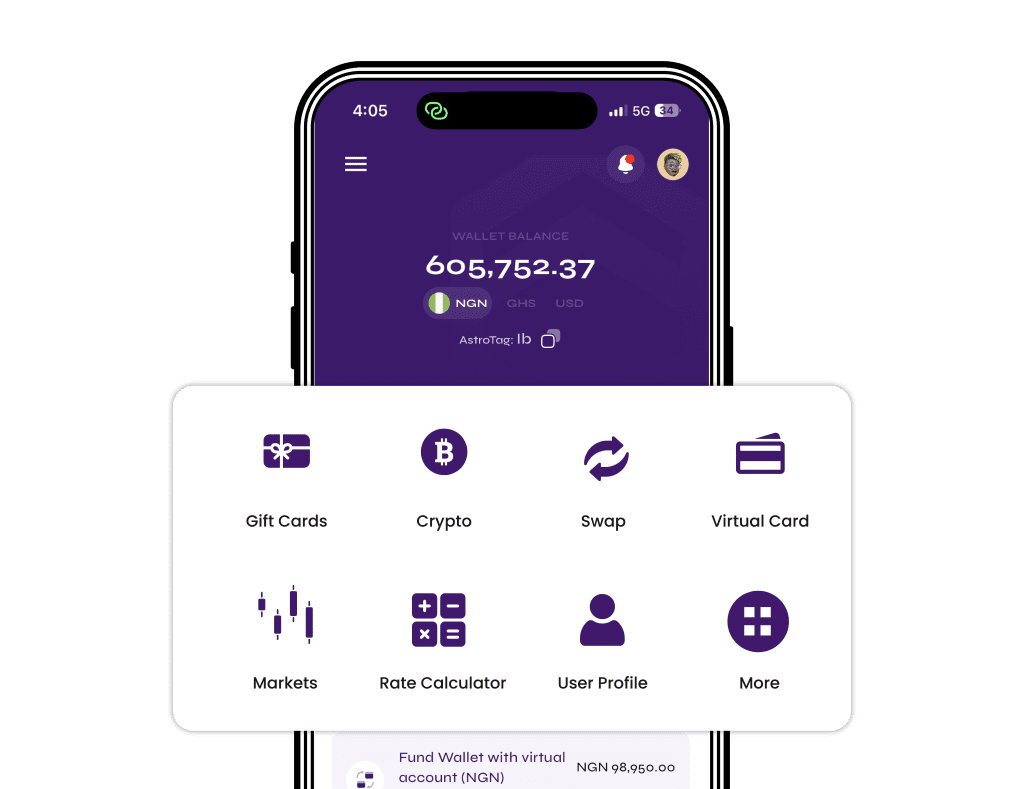
You don’t have to withdraw everything immediately. Naira can stay in your Astro wallet, and Nigerian users can also use naira to buy crypto. If you want to move between coins instead of cashing out, Instant Swap lets you swap one supported coin for another. Astro users can also send crypto to each other for free with an Astro Tag. You can see everything the app offers on the features page.
If you also sell gift cards, those payouts land in the same naira wallet and can be withdrawn to OPay or PalmPay the same way. Check today’s live rates before you trade.
Frequently asked questions
Can I sell USDT directly to my OPay account?
Yes, in two quick steps. Sell your USDT for naira in the Astro app, then withdraw the naira to your OPay account. OPay is one of the supported Nigerian bank accounts for payouts.
Does Astro support PalmPay withdrawals?
Yes. PalmPay is a supported Nigerian bank account for naira withdrawals. Select PalmPay from the bank list, enter your account number and check the name shown before you confirm.
What is the minimum amount I can withdraw to OPay or PalmPay?
The least naira withdrawal on Astro is ₦300.
How long does it take to receive money in OPay or PalmPay?
Eligible payouts can arrive in as fast as 60 seconds under normal conditions. Bank delays, maintenance or network congestion can affect timing, so not every payout will be that quick.
Do I need KYC to sell USDT on Astro?
Sign-up doesn’t ask for ID, and crypto trading and crypto withdrawals don’t need KYC. Some other features, such as a Nigerian bank account issued through Astro, do need verification.
Which USDT networks can I deposit on?
TRC20, BEP20 and ERC20. Always choose the same network in both Astro and the app you are sending from. USDT sent on the wrong network can’t be recovered.
Can I cancel a withdrawal after I submit it?
No. Once a naira withdrawal is submitted it can’t be cancelled, which is why it matters to check the account number and name before you confirm.
What happens if my withdrawal to OPay fails?
Everything taken is refunded to your Astro naira wallet, including the withdrawal fee. You can then retry or use another account.
Can I withdraw on weekends and public holidays?
Yes. Astro payouts also run on weekends and public holidays, though bank delays or maintenance can sometimes affect timing.
Where can I check the current USDT to naira rate?
The app shows the naira amount before you confirm a sale. Rates change with the market, so check inside the app at the time you sell.
Start cashing out to OPay or PalmPay
Selling USDT to OPay or PalmPay doesn’t need a middleman or a WhatsApp vendor. Deposit on the right network, sell for naira, check the name, and withdraw. Download the Astro app to get started.