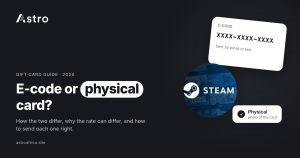
When comparing an ecode vs physical gift card, neither one always sells better. The rate depends on the card brand, the country it was issued in, the amount and the form it comes in, so a physical card with its receipt may get a different rate from an e-code of the same brand. The only reliable way to know is to check today’s live rates for your exact card before you sell.
This guide explains how e-codes and physical cards differ, why buyers price them differently, and what sellers in Nigeria and Ghana can do to avoid delays, from taking a clear photo to keeping the receipt safe.
Key points
- An e-code is a digital gift card delivered by email or in an app. A physical card is a plastic or paper card bought in a store.
- Rates can differ by form: e-code, physical, or physical with receipt. Check today’s live rates instead of guessing.
- For physical cards, a sharp photo of the full card with the code clearly visible helps your trade get reviewed without back-and-forth.
- Scratch the silver panel gently. A damaged code can slow down or stop a sale.
- Never send gift card codes to anyone in a DM, WhatsApp chat or comment section.
What is an e-code gift card?
An e-code (also called an e-gift card or digital code) is a gift card that exists only as a code. It usually arrives by email, inside a shopping app, or as a text message after someone buys it online. There is no plastic card to hold.
E-codes are common for cards like Apple/iTunes, Google Play, Steam, Xbox, Roblox and Razer Gold, because people often buy them on websites or receive them as gifts from relatives abroad. Many freelancers and remote workers in Nigeria and Ghana are also paid in e-codes by overseas clients.
The main strengths of an e-code are speed and convenience. You can copy and paste the code, and you don’t need to worry about scratching or photographing a card. The main weakness is that a code is easy to copy, forward or leak, which is why buyers check e-codes carefully.
What is a physical gift card?
A physical gift card is the plastic or paper card sold in stores such as Walmart, Target, Macy’s or Foot Locker in the US and other countries. The code is usually printed on the back under a silver scratch-off panel, and the card often comes with a store receipt showing where and when it was bought.
Physical cards are common when someone abroad buys a card in person and sends a photo of it, or brings it home. Brands like Apple, Steam, Nike, Sephora, Nordstrom, Coach and eBay are often sold this way.
The card itself and the receipt give extra proof that the card was bought legitimately, which is one reason some buyers treat physical cards differently from e-codes.
E-code vs physical gift card: side-by-side comparison
| Feature | E-code | Physical card | Physical card with receipt |
|---|---|---|---|
| How you get it | Email, app or text message | Bought in a store | Bought in a store, receipt kept |
| What you submit | The code (and sometimes a screenshot of the email) | Clear photo of the card showing the code | Photo of the card plus a photo of the receipt |
| Risk of damage | None, but easy to leak | Scratch panel can be damaged | Scratch panel can be damaged |
| Proof of purchase | Purchase email, if available | The card itself | The card and the receipt |
| Rate | Can differ by form. Check today’s live rates for your card, country and amount. | ||
Why rates can differ between e-codes and physical cards
On the Astro rates page, many cards are listed by form, such as E-code, Physical, and Physical with receipt. Sellers sometimes ask why the same brand can have more than one rate. There are a few common reasons.
1. Proof of purchase
A receipt shows where, when and how a card was bought. That extra proof can make a card easier to resell and lowers the chance of problems later, so cards with receipts are often priced separately.
2. How the card is resold
Gift card buyers resell cards into different markets. Some markets prefer physical cards, others take e-codes more easily. Demand in those markets changes, and that affects what each form is worth at a given time.
3. Risk of the code being used elsewhere
An e-code can be copied in seconds. If the same code has been shared with more than one person, it may already be redeemed by the time it’s checked. That risk is part of how e-codes are priced.
4. Card country and amount
Form isn’t the only factor. A US Apple card and a UK Apple card can have different rates, and so can a $25 card and a $200 card. Always match brand, country, amount and form when you check the rate.
The honest answer to “which sells better?” is that it changes. Sometimes physical with receipt is listed differently from e-code; sometimes the gap is small or absent. Rates don’t depend on the time of day, so there is no “better hour” to sell. Look at the live rate for your exact card, and don’t trust anyone who quotes a fixed rate without checking.
Which gift cards can you sell on Astro?
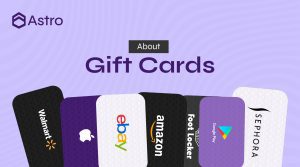
Cards Astro lists include Apple/iTunes, Steam, Razer Gold, Google Play, eBay, Nike, Sephora, Nordstrom, Foot Locker, Macy’s, Xbox, Roblox, Walmart, Target, Coach, Saks and Finish Line. Not every brand, country or form has a live rate at any given time, so check the gift cards page and today’s live rates before you start a trade.
Nigerian sellers are paid in naira to their Astro wallet and can withdraw to Nigerian banks, including OPay and PalmPay. Ghanaian sellers are paid in cedis and can withdraw to mobile money (MTN MoMo, Telecel Cash, formerly Vodafone Cash, and AirtelTigo Money). Ghana withdrawals are checked by the team before they’re sent. See the Ghana hub for details.
How to photograph a physical gift card properly
A poor photo is one of the most common reasons a physical card trade gets delayed. Follow these steps:
- Use good, even light. Daylight near a window works well. Avoid a flash pointed straight at the card, because it can cause glare over the code.
- Place the card on a plain, dark surface. A table or a sheet of paper keeps the background clean and makes the edges easy to see.
- Show the whole card. Don’t crop off corners. The brand, the code and any PIN should all be in the frame.
- Hold the phone straight above the card. Shooting at an angle stretches the numbers and makes them hard to read.
- Tap to focus on the code. Zoom in on the photo afterwards to confirm every character is sharp.
- Take a photo of the front too, if asked. The front helps confirm the brand and card type.
- Don’t edit or filter the photo. Edited images can look suspicious and may be rejected.
Receipts: when and how to include them
If the card was bought with a receipt, keep it. A receipt can matter for cards listed under “Physical with receipt” on the rates page.
- Photograph the full receipt, top to bottom, so the store name, date, amount and payment line are visible.
- Make sure the receipt matches the card: the same amount, and ideally the last digits of the card number if printed.
- Flatten crumpled receipts before taking the photo. Thermal paper fades in heat and sunlight, so take a photo as soon as you get it.
- Only choose the “with receipt” option if you actually have the matching receipt. Selecting the wrong form can lead to the trade being declined or repriced.
How to scratch a gift card without damaging the code
The silver panel on the back of a physical card protects the code. Scratching it too hard can remove part of the printed numbers, and a card with an unreadable code may not be accepted.
- Use a coin edge or your fingernail, not a key or knife.
- Scratch lightly in one direction, a little at a time.
- Stop as soon as the characters show. You don’t need to remove every speck of silver.
- Blow away the dust instead of wiping with your thumb, which can smudge the print.
If part of the code is already damaged, mention it in the trade and include the clearest photo you can. Don’t try to guess or “fix” missing characters.
How to sell an e-code safely
For e-codes, accuracy matters most. A single wrong character means the code won’t work.
- Copy the code straight from the email or app rather than typing it by hand.
- Check for confusing characters such as 0 and O, or 1 and I.
- Keep the original email or purchase screen in case the team asks for it.
- Don’t redeem the code on your own account or share it with anyone before selling. A code that has been used or partly used can’t be paid for at full value.
Apple card sellers can also read mistakes to avoid when selling Apple gift cards, which covers more card-specific pitfalls.
Steps to sell a gift card on Astro
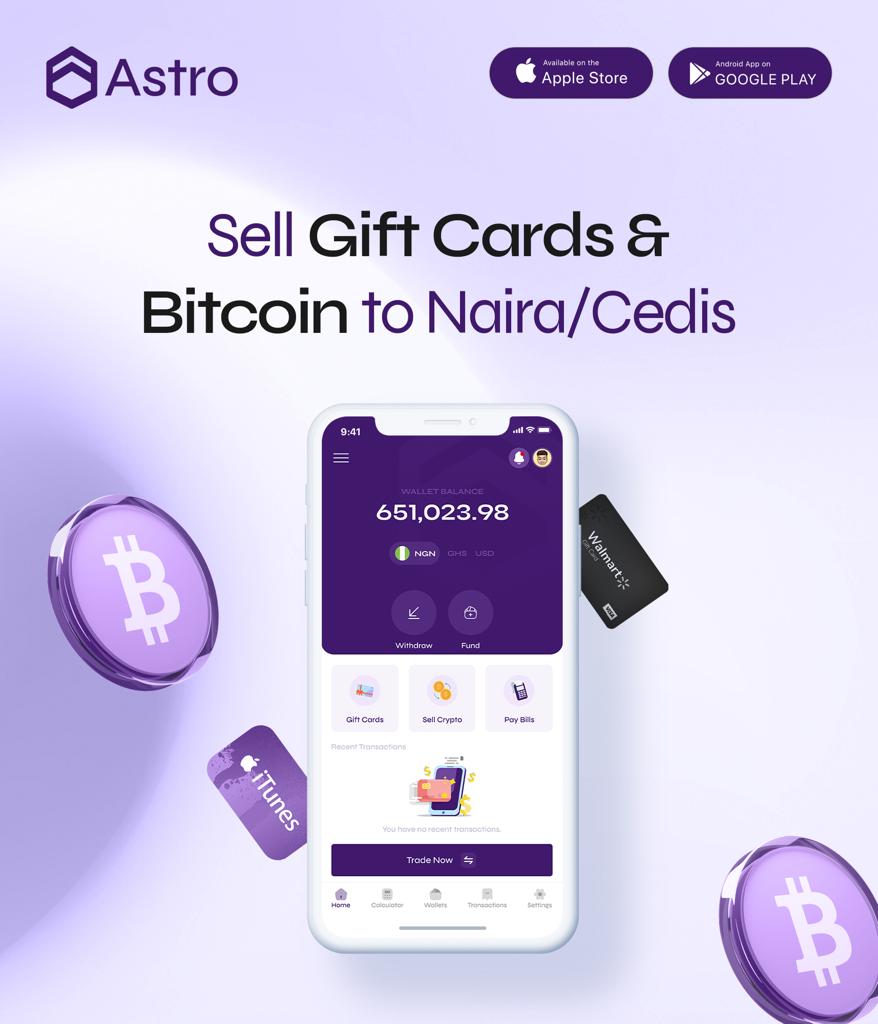
- Download the Astro app and sign up with your email. Sign-up doesn’t ask for ID.
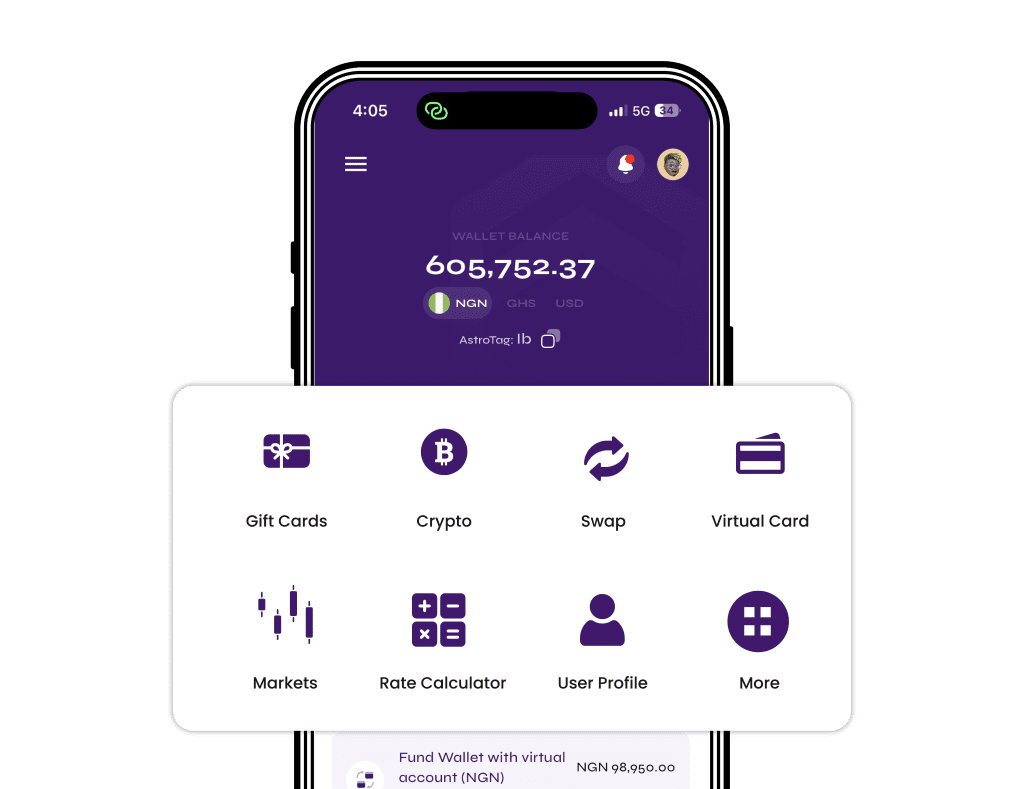
- Go to the gift card section and choose your card brand.
- Pick the card country and the form (e-code, physical, or physical with receipt) that matches what you have.
- Enter the amount and check the rate shown before you continue.
- Enter the e-code, or upload clear photos of the card and receipt.
- Review everything and submit.
Once a sale is submitted, it can’t be cancelled, so double-check the brand, country, form and amount first. If the rate changes before you submit, the sale goes through at the new rate shown.
Never share gift card codes in DMs
Scammers often reach out on Instagram, X, Telegram and WhatsApp offering “special rates” or pretending to be support staff. They ask for a photo of the card or the code, then redeem it and disappear.
- Astro staff will never ask you to send a gift card code or card photo in a DM or chat.
- Only submit codes inside the app or on the official web app.
- Be wary of rates that look far above what the live rates page shows.
- Don’t post card photos on social media, even with part of the code covered.
For more on this, read the risks of trading gift cards on WhatsApp groups and how to protect yourself from scams in Nigeria. No platform can promise zero fraud risk, but keeping codes private removes the most common way people lose cards. Astro’s security page explains how accounts are protected, including the 5-digit transaction PIN and Face ID.
Frequently asked questions
Is an e-code or a physical gift card worth more?
It depends on the brand, country, amount and current demand. Sometimes the forms are listed at different rates, sometimes the gap is small. Check today’s live rates for your exact card.
What does “physical with receipt” mean?
It means a physical card sold together with the original store receipt from when it was bought. The receipt acts as proof of purchase, and some cards are listed with a separate rate for this form.
Can I sell a physical card as an e-code?
Choose the form that matches what you actually have. Selecting the wrong form can lead to the trade being declined or repriced. If you only have the code from a physical card and no clear photo, contact support through the app before submitting.
What if I scratched off part of the code?
Upload the clearest photo you can and mention the damage. If key characters are unreadable, the card may not be accepted, so always scratch gently.
Do I need ID to sell gift cards on Astro?
No. Sign-up doesn’t ask for ID. Some other features, such as a Nigerian bank account or naira account number, do need verification.
Can I cancel a gift card sale after submitting?
No. Once a sale is submitted it can’t be cancelled, so confirm the brand, country, form and amount before you submit.
Are rates better at certain times of day?
No. Rates don’t depend on the time of day or day of the week. They move with the gift card market, so check the live rate whenever you’re ready to sell.
Can Ghanaians sell e-codes and physical cards on Astro?
Yes. Ghana sellers are paid in cedis and can withdraw to MTN MoMo, Telecel Cash or AirtelTigo Money. Withdrawals are checked by the team before they’re sent. See the Ghana hub or the guide to selling Steam cards in Ghana.
Can I sell Amazon or Visa gift cards?
Not at the moment. Only sell cards that show a live rate on the rates page.
How do I check an Xbox gift card balance before selling?
Follow the steps in how to check an Xbox gift card balance. Checking first helps you avoid selling a card that has already been used.
Sell your gift card the right way
Whether you hold an e-code or a physical card, the steps that protect your value are the same: pick the correct form, take clear photos, keep receipts, scratch gently and never share codes outside the app. Check today’s live rates, then download Astro to sell your card in Nigeria or Ghana.