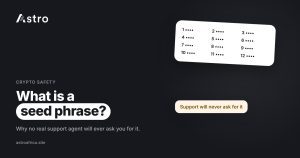
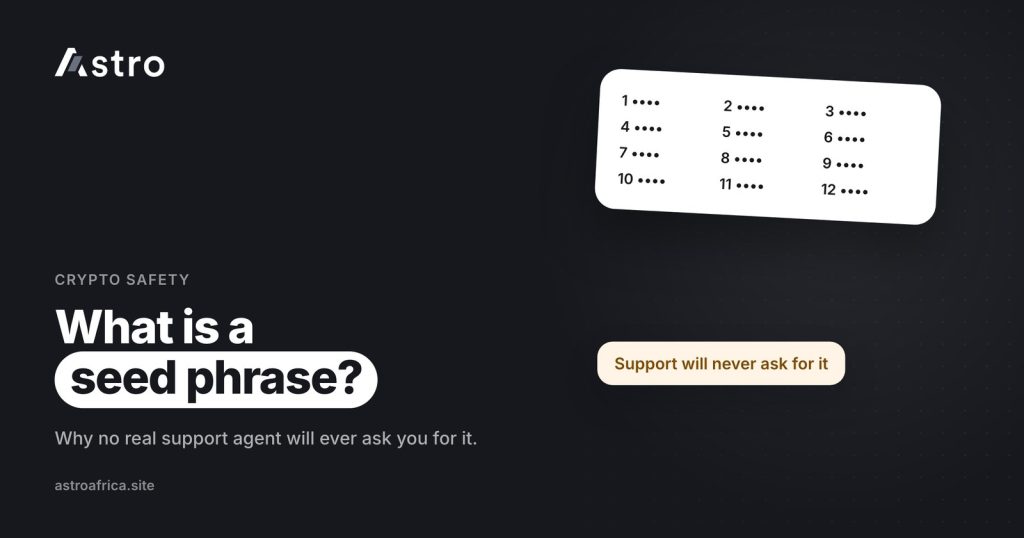
A seed phrase is a list of 12 or 24 ordinary words that acts as the master key to a self-held crypto wallet such as Trust Wallet or MetaMask: anyone who has those words can move every coin in that wallet from any phone in the world. That is why no genuine support agent, from any wallet, exchange or trading app, will ever ask you for it.
Seed phrase scams are among the most common ways people in Nigeria and Ghana lose crypto, and the loss is almost always permanent. This guide explains what a seed phrase is, how it differs from a password or PIN, how fake “support agents” try to get it, and how it relates to an app like Astro, where the wallet works differently.
Key points
- A seed phrase (also called a recovery phrase or secret recovery phrase) is a set of 12 or 24 words that can rebuild a self-held wallet and everything in it.
- Whoever has the words controls the coins. There is no bank, no reversal and usually no way to get the money back.
- No real support agent will ever ask for your seed phrase, private key, PIN or one-time codes.
- Astro wallets are held by Astro, so Astro users do not have a seed phrase for their Astro wallet. Seed phrases apply to self-held wallets like Trust Wallet and MetaMask.
- Write your seed phrase on paper, keep it offline, and never type it into a website, form or chat.
What is a seed phrase?
When you create a self-held wallet, the app generates a random list of words, usually 12 or 24, and asks you to write them down. Those words are your seed phrase. From them, the wallet can work out your private keys, and the private keys are what actually sign transactions and move coins.
In simple terms, the seed phrase is the wallet. The app on your phone is just a window into it. If your phone is lost, stolen or broken, you can install the wallet app on a new phone, type in the same words, and your coins appear again, because they never lived on the phone in the first place. They live on the blockchain, and the seed phrase proves you control them.
Different wallets use different names for the same thing:
- Seed phrase or seed words
- Recovery phrase
- Secret recovery phrase (MetaMask’s term)
- Mnemonic phrase or backup phrase
If you are new to wallets, the beginner’s guide to crypto wallets explains how self-held and app-held wallets differ.
Seed phrase vs private key vs password vs PIN
These four things are often mixed up, and scammers take advantage of that confusion.
| What it is | What it controls | Who should know it | |
|---|---|---|---|
| Seed phrase | 12 or 24 words | The whole self-held wallet and every coin in it | Only you |
| Private key | A long string of letters and numbers | One address or account inside the wallet | Only you |
| App password or PIN | A short code you choose | Opening the app or approving actions on one device | Only you |
| Wallet address | A public string for receiving coins | Nothing. It only tells others where to send | Safe to share with people paying you |
The important difference: a PIN or password only protects one app on one device. A seed phrase does not need your phone at all. Someone in another country can type your 12 words into a fresh copy of Trust Wallet and empty it in minutes.
Why no real support agent will ever ask for it
A genuine support team does not need your seed phrase to help you, for a simple reason: a self-held wallet is designed so that no company can see or touch your funds. Trust Wallet and MetaMask cannot reset your words, freeze your coins or reverse a transaction. So if a “support agent” says they need your seed phrase to “verify”, “unlock”, “sync”, “validate” or “restore” your wallet, they are not support. They are trying to take your money.
The same rule applies to the other secret things on your phone. Real staff will never ask for:
- Your seed phrase or private key
- Your transaction PIN or app password
- One-time codes sent by SMS or email, or codes from an authenticator app
- Remote access to your phone through a screen-sharing app
Astro staff never ask for any of these. If someone claiming to be from Astro asks, stop the conversation and contact Astro through the official app or at [email protected].
How seed phrase scams usually work
Most seed phrase thefts follow a few familiar patterns.
Fake support on social media
You post a complaint on X or in a Telegram group, for example about a delayed transaction. Within minutes, an account with a wallet logo replies or sends a DM offering help. It looks official but is not. Real companies rarely start support conversations in your DMs.
“Wallet validation” or “sync” websites
The scammer sends a link to a site that says your wallet needs to be “validated”, “connected” or “upgraded”, and asks you to type in your 12 or 24 words. The moment you press submit, the words go to the scammer.
Fake wallet apps and browser extensions
Copycat apps and extensions copy the look of real wallets. When you “restore” your wallet inside them, they capture the seed phrase. Only install wallet apps from the official app store listing or the wallet’s own website.
Airdrop, investment and romance traps
Some scams take longer. A new “friend” or “account manager” builds trust over weeks, then asks you to import your wallet into a platform or share your words to receive a reward. The guide to pig butchering scams explains how these slow-burn schemes work.
For a wider look at protecting your coins, read how to protect your crypto wallet from scammers and crypto scams in Nigeria and how to protect yourself.
How to store your seed phrase safely
- Write it on paper, in the right order, with the words spelled exactly as shown.
- Keep it offline. No screenshots, no photos, no notes apps, no email drafts, no cloud storage, no WhatsApp “message to self”.
- Store it somewhere private and safe from fire and water. Some people keep a second copy in a separate safe place.
- Never type it anywhere except the official wallet app when you are restoring your own wallet.
- Do not share it with family “just in case” unless you have thought through who you trust with full control of your funds.
If you think your seed phrase has been seen by anyone else, treat that wallet as unsafe. Create a new wallet with a new seed phrase and move your coins to it as soon as possible, before someone else moves them first.
Does Astro give you a seed phrase?
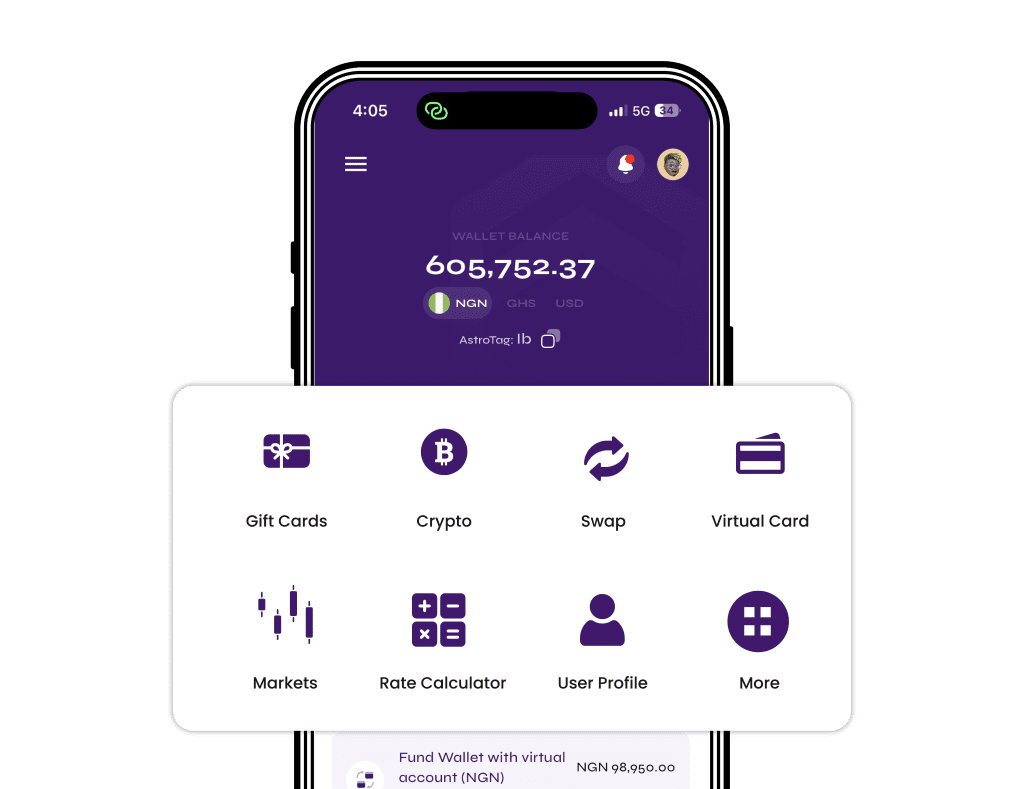
No. Astro works differently from Trust Wallet or MetaMask. Your crypto wallet on Astro is held by Astro on your behalf, much like a balance on an exchange. That means Astro users do not have a seed phrase for their Astro wallet, and there are no 12 or 24 words to write down or protect for it.
Instead, your Astro account is protected by your login, a 5-digit transaction PIN and, if your phone supports it, Face ID to unlock the app and confirm payments. You can also turn on an optional two-step check with an authenticator app, which is then asked for on outside crypto sends and Astro Tag crypto sends. More detail is on the security page.
This also means one simple rule for Astro users: if anyone claiming to be from Astro asks for a “seed phrase” for your Astro wallet, it is a scam, because one does not exist. And Astro staff will never ask for your PIN or one-time codes either.
Many people use both kinds of wallet. For example, someone might hold USDT in Trust Wallet and send it to Astro to sell for naira or cedis. In that case, the seed phrase protects the Trust Wallet side, and Astro’s PIN, Face ID and optional two-step check protect the Astro side. When moving coins between them, choose the right network on both sides, because USDT sent on the wrong network or as a different coin can’t be recovered.
Selling crypto on Astro without sharing secrets
To sell crypto from a self-held wallet, you never need to share your seed phrase with anyone. You only need your Astro deposit address:
- Open the Astro app, go to the coin you want to deposit and tap Receive.
- Choose the network and copy the address shown.
- In Trust Wallet, MetaMask or another wallet, send to that address on the same network.
- Once the deposit is confirmed, sell it in the app and check the price shown before you confirm.
In Nigeria, you can withdraw naira to a Nigerian bank account, including OPay and PalmPay. Eligible payouts can arrive in as fast as 60 seconds under normal conditions, though banks and network delays can affect timing. In Ghana, you can sell for cedis and withdraw to mobile money: MTN MoMo, Telecel Cash (formerly Vodafone Cash) or AirtelTigo Money. Ghana withdrawals are checked and processed by the Astro team, so timing can vary. Sign-up doesn’t ask for ID, and crypto trading and crypto withdrawals need no ID verification, though some other features do.
No app can promise zero fraud risk, but keeping your seed phrase to yourself removes the biggest one.
Frequently asked questions
What is a seed phrase in simple terms?
It is a list of 12 or 24 words that can rebuild a self-held crypto wallet on any device. Whoever has the words controls the coins in that wallet.
Is a seed phrase the same as a private key?
They are related but not the same. The seed phrase generates the private keys for the wallet. Both must stay secret, and either one in the wrong hands can lead to stolen funds.
Can a support agent help me if I share my seed phrase?
No. A real support agent does not need it and will not ask for it. Anyone who asks for your seed phrase, PIN or one-time codes should be treated as a scammer.
Do I have a seed phrase on Astro?
No. Your Astro wallet is held by Astro, so there is no seed phrase for it. Your account is protected by your login, a 5-digit transaction PIN, Face ID and an optional two-step check.
Someone claiming to be Astro support asked for my seed phrase. What should I do?
Stop replying and do not share anything. Astro staff never ask for seed phrases, PINs or one-time codes. Contact Astro through the official app or at [email protected].
What happens if I lose my seed phrase?
If you still have access to the wallet app, write down a new backup straight away, or create a new wallet and move your coins to it. If you lose both the phone and the words, the funds in that self-held wallet are usually lost for good.
Can I recover crypto after a scammer gets my seed phrase?
Usually not. Blockchain transactions cannot be reversed. Be wary of “recovery experts” who contact you afterwards, as many are running a second scam.
Is it safe to store my seed phrase in my phone’s notes or as a screenshot?
It is not recommended. Phones can be hacked, lost or backed up to cloud accounts. Paper kept somewhere private is the common advice.
Why do some seed phrases have 12 words and others 24?
Both are standard. A 24-word phrase has more possible combinations, but a 12-word phrase is still very hard to guess. The bigger risk is not guessing, but someone tricking you into sharing it.
A seed phrase is the one secret that gives full control of a self-held wallet, so it belongs only to you. Keep it offline, ignore anyone who asks for it, and when you are ready to turn your crypto into naira or cedis, download the Astro app and sell without sharing a single secret word.