SIM swap fraud is when a criminal convinces or bribes someone at a mobile network to move your phone number onto a SIM card they control, so your calls, text messages and one-time codes go to them instead of you. In Nigeria and Ghana, where bank accounts, mobile money wallets and many apps are tied to a phone number, a hijacked number can be used to reset passwords and drain accounts within hours, which is why protecting your SIM is as important as protecting your PIN.
This guide explains how SIM swap fraud works, the warning signs to watch for, the steps that make you a harder target, how the security on Astro fits in, and exactly what to do if your line suddenly goes dead.
Key points
- In a SIM swap, your number moves to a SIM card the fraudster holds. Your phone loses signal, and their phone starts receiving your texts and codes.
- The main danger is SMS-based codes. Anything that can be reset or approved by text message is exposed.
- Use app-based protection where you can: PINs, Face ID and authenticator apps don’t travel with your phone number.
- On Astro, turn on the optional two-step check. It uses an authenticator app and is asked on outside crypto sends and Astro Tag crypto sends.
- If your line goes dead without reason, act fast: call your network from another phone, then your bank, your MoMo provider and your email provider.
What is SIM swap fraud?
A SIM swap on its own is normal. If you lose your phone or damage your SIM, your network can issue a new SIM with the same number. That is a useful service.
SIM swap fraud abuses that service. The fraudster pretends to be you, or works with someone inside a network or agent outlet, and requests a replacement SIM for your number. When the swap goes through, your old SIM stops working and the new one, in their hands, takes over your number.
From that moment, any one-time password (OTP) sent by text, any verification call and many password reset links go to the fraudster. They don’t need your phone. They only need your number.
How a SIM swap attack usually unfolds
- Gathering details. The fraudster collects personal information: your full name, date of birth, phone number, bank name, email address, sometimes your ID number. This often comes from social media, data leaks, fake forms, phishing messages or a “customer care” call you didn’t expect.
- Requesting the swap. They visit an outlet or contact the network posing as you, often claiming the phone was lost or stolen. In some cases an insider helps them skip checks.
- Taking over the number. Your SIM loses service. Their SIM receives your calls and texts.
- Resetting accounts. They use “forgot password” on your email, bank app, mobile money or other apps, catching the codes sent by SMS.
- Moving money. Once inside, they try to transfer funds, buy airtime, take loans in your name or send crypto out.
Warning signs your SIM may have been swapped
- Your phone suddenly shows No Service or Emergency calls only in an area where it normally works, and restarting doesn’t fix it.
- You get a text from your network about a SIM change or replacement that you didn’t request.
- You stop receiving OTPs, calls or texts, while friends say your line rings or goes to voicemail.
- You receive emails about password changes, new logins or new devices that you didn’t make.
- Your bank or mobile money app logs you out and your PIN or password no longer works.
- Someone calls pretending to be from your network, bank or an app, asking you to confirm a code “to stop” a SIM change. This is often part of the attack.
Losing service together with unexpected login or password emails is a strong sign to act straight away.
Why crypto, bank and MoMo accounts are targets
Bank accounts in Nigeria and Ghana often use text messages for OTPs and alerts. If a fraudster controls the number, they may be able to approve transfers or reset app access.
Mobile money is tied directly to your number. MTN MoMo, Telecel Cash (formerly Vodafone Cash) and AirtelTigo Money wallets sit on the SIM’s line, so whoever controls the line has a head start, although they still need your MoMo PIN. That is why a fraudster will often try to trick you into revealing it.
Crypto is attractive because blockchain transfers can’t be reversed. Once crypto has been sent to another wallet, there is no bank to call to pull it back. Protection has to happen before the send, not after.
Email is the hidden key. If your email account can be reset by SMS, a SIM swap can lead to your email, and your email can lead to almost everything else.
How to protect yourself from SIM swap fraud
1. Move away from SMS codes where you can
An authenticator app (such as Google Authenticator, Microsoft Authenticator or similar) generates codes on your own device. Those codes don’t travel over the phone network, so a SIM swap alone can’t intercept them. Turn on authenticator-based two-step login for your email first, then for exchanges and any other service that offers it.
2. Secure your email properly
Use a strong, unique password for your email and turn on two-step login with an authenticator app. Remove your phone number as a recovery option if the email service allows other methods, or at least make sure it is not the only one.
3. Set a SIM PIN on your phone
Most phones let you lock the SIM with a PIN, so a thief who takes the physical SIM out of your phone can’t use it in another device. This doesn’t stop a fraudulent swap at the network, but it closes another gap.
4. Keep your personal details private
Fraudsters need your details to pass as you. Avoid posting your date of birth, phone number, full address or ID photos online. Be careful with “update your BVN”, “update your NIN” or “Ghana Card update” links sent by SMS or WhatsApp. Your bank or network will not ask you to enter such details on a random website.
5. Never share codes, PINs or seed phrases
No genuine bank, network, MoMo provider or crypto app will call and ask you to read out an OTP, your MoMo PIN, your app PIN or your seed phrase. A caller who asks is the fraud in progress. If you hold crypto in a personal wallet, read what a seed phrase is and why no real support agent will ask for it.
6. Turn on alerts and check them
Ask your bank to send alerts by email as well as SMS where possible. Email alerts still reach you if your line is hijacked.
7. Save your bank’s emergency options now
Many Nigerian banks offer an emergency code or a hotline to block your account quickly. Find your bank’s official option on its verified website or app today, and save it somewhere you can reach from another phone. In Ghana, note the official helpline for your network and MoMo provider from their verified channels.
How Astro’s security fits in
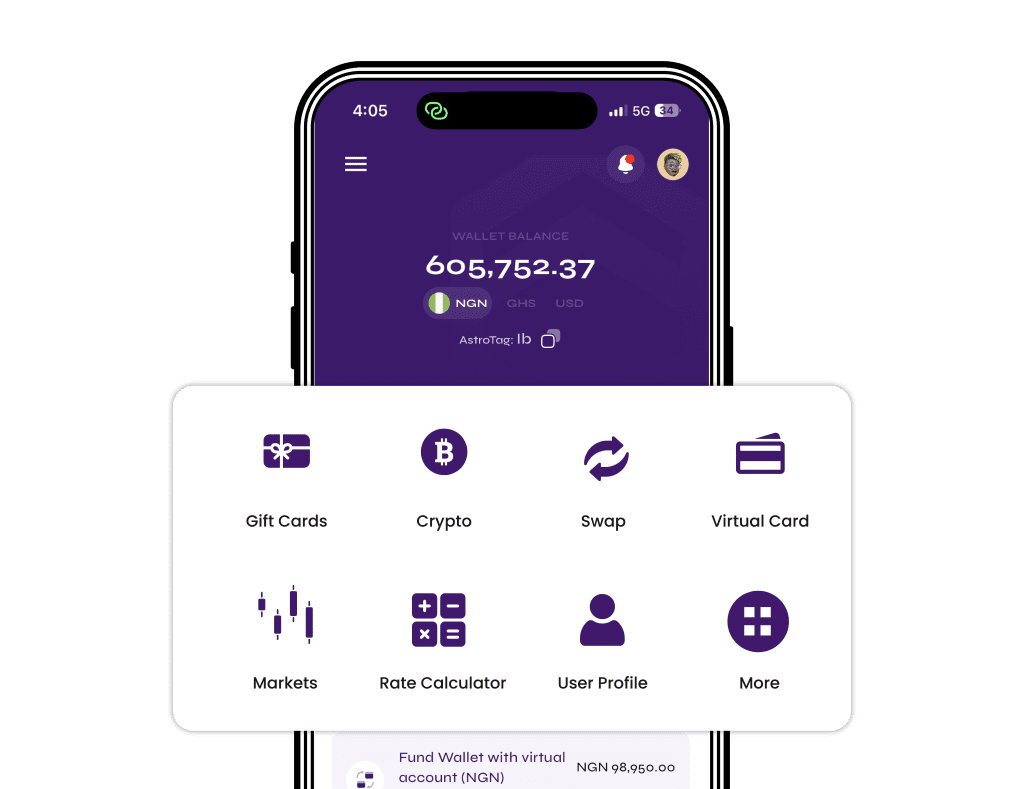
Astro has several layers that don’t depend on your phone number:
- A 5-digit transaction PIN to confirm transactions. Only you should know it.
- Face ID, which can unlock the app and confirm payments on supported phones.
- An optional two-step check that uses an authenticator app. When you turn it on, it is asked on outside crypto sends and on Astro Tag crypto sends. Because the code comes from an app on your device rather than a text message, it adds a layer that a SIM swap on its own doesn’t get past.
These features are explained step by step in account security on Astro: PIN, Face ID and two-step check. If you hold crypto on Astro, turning on the two-step check is one of the most useful things you can do against SIM swap fraud.
No security setting can make any account completely fraud-proof. Security features protect against people who don’t have your details; they can’t stop a transfer that you are tricked into approving yourself. That is why habits matter as much as settings. The guide on how to protect your crypto wallet from scammers covers more of these.
What to do if your SIM is swapped
Speed matters. Work through these steps in order, using another phone or a computer:
- Call your network from another line, or go to an official outlet with your ID. Tell them you did not request a SIM swap and ask them to block the line and restore it to you.
- Call your bank using its official number or emergency code. Ask them to freeze transfers and card use until you regain your number.
- Contact your MoMo provider through its official helpline and ask them to block the wallet.
- Secure your email. Change the password from a trusted device, sign out of all other sessions and check that no forwarding rules or new recovery details have been added.
- Contact Astro. Reach support through in-app chat on another trusted device or email [email protected]. Explain what happened so the team can check your account.
- Change your passwords and PINs for other apps once your number is back under your control.
- Report the fraud to the police and keep a record of the dates, times and any transaction references. Your bank will usually ask for this.
Ignore anyone who later offers to recover your money for a fee. Recovery scams target people who have just lost funds.
Frequently asked questions
What is SIM swap fraud?
It is when a fraudster gets your phone number moved onto a SIM card they control, usually by pretending to be you or with help from an insider. They then receive your calls, texts and one-time codes.
How do I know if my SIM has been swapped?
The most common sign is your phone suddenly losing service for no clear reason, along with emails about password changes or new logins you didn’t make. A text about a SIM change you didn’t request is another warning.
Can a fraudster empty my bank account with only my SIM?
Controlling your number can let them receive SMS codes and reset some logins, but they usually still need other details, such as a PIN or password. That is why they often try to trick you into revealing those as well.
Does SIM swap fraud affect mobile money in Ghana?
Yes. MoMo wallets are tied to your phone number, so a hijacked line puts them at risk. Keep your MoMo PIN private and contact your provider through its official helpline straight away if your line goes dead.
Can a SIM swap give someone access to my Astro account?
Astro uses a 5-digit transaction PIN, Face ID and an optional authenticator-based two-step check for outside crypto sends and Astro Tag crypto sends. Turning on the two-step check adds protection that a SIM swap alone doesn’t get past. Keep your email secure too.
Is an authenticator app safer than SMS codes?
For SIM swap fraud, yes. Authenticator codes are generated on your device and are not sent over the phone network, so taking over your number doesn’t give the fraudster those codes.
Can stolen crypto be recovered after a SIM swap?
Blockchain transfers can’t be reversed once they are confirmed. That is why prevention, such as turning on the two-step check and keeping your PIN private, matters so much for crypto.
Will Astro ever ask for my PIN or an OTP?
No. Astro support will never ask for your PIN, your two-step codes or your seed phrase. Anyone who asks is not genuine support.
What should I do first if my line suddenly goes dead?
Contact your network from another phone or visit an official outlet to block the line, then call your bank and MoMo provider. After that, secure your email and contact Astro through in-app chat or [email protected].
Where can I learn about other crypto scams?
See crypto scams in Nigeria and how to protect yourself for common tricks and how to spot them.
SIM swap fraud works because so much of our money depends on a phone number. Move your most important protection to app-based checks, keep your details private, and know what to do the moment your line goes quiet. To trade crypto with a PIN, Face ID and an optional two-step check, download the Astro app and set up your security from day one.