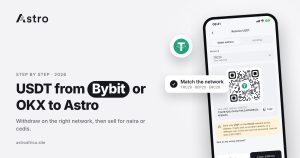
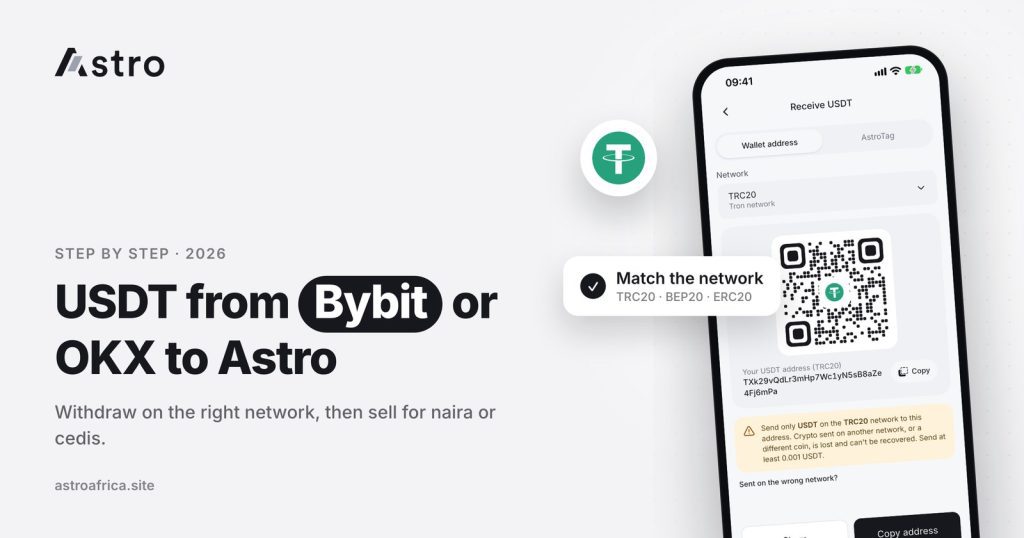
To transfer USDT from Bybit or OKX to Astro, copy your USDT deposit address in the Astro app for one network (TRC20, BEP20 or ERC20), then make an on-chain withdrawal on the exchange using that exact address and the same network. Once the USDT lands in your Astro wallet, Nigerian users can sell it for naira and Ghanaian users can sell it for cedis and withdraw to mobile money.
The process is almost the same on both exchanges. The main differences are where the withdraw button sits, how each exchange labels its networks, and the extra checks each one adds for security. This guide walks through both, explains the mistakes that cost people money, and covers what happens after your USDT arrives.
Key points
- Use an on-chain withdrawal on Bybit or OKX, not an internal transfer. Internal transfers only move funds between accounts on the same exchange.
- The network you pick on the exchange must match the network of the Astro address you copied. Astro supports USDT on TRC20, BEP20 and ERC20.
- USDT sent on the wrong network, or sent as a different coin, cannot be recovered.
- Send a small test amount first, especially the first time you use a new address or network.
- After the deposit arrives, you can sell for naira (Nigeria), sell for cedis and withdraw to mobile money (Ghana), or simply hold USDT in your Astro wallet.
Why people move USDT from Bybit or OKX to Astro
Bybit and OKX are large global exchanges, and many people in Nigeria and Ghana use them for trading, earning or receiving USDT. Getting that USDT into local money is the harder part. Peer-to-peer trading means dealing with individual buyers, waiting for their payment, and checking every alert carefully before releasing coins.
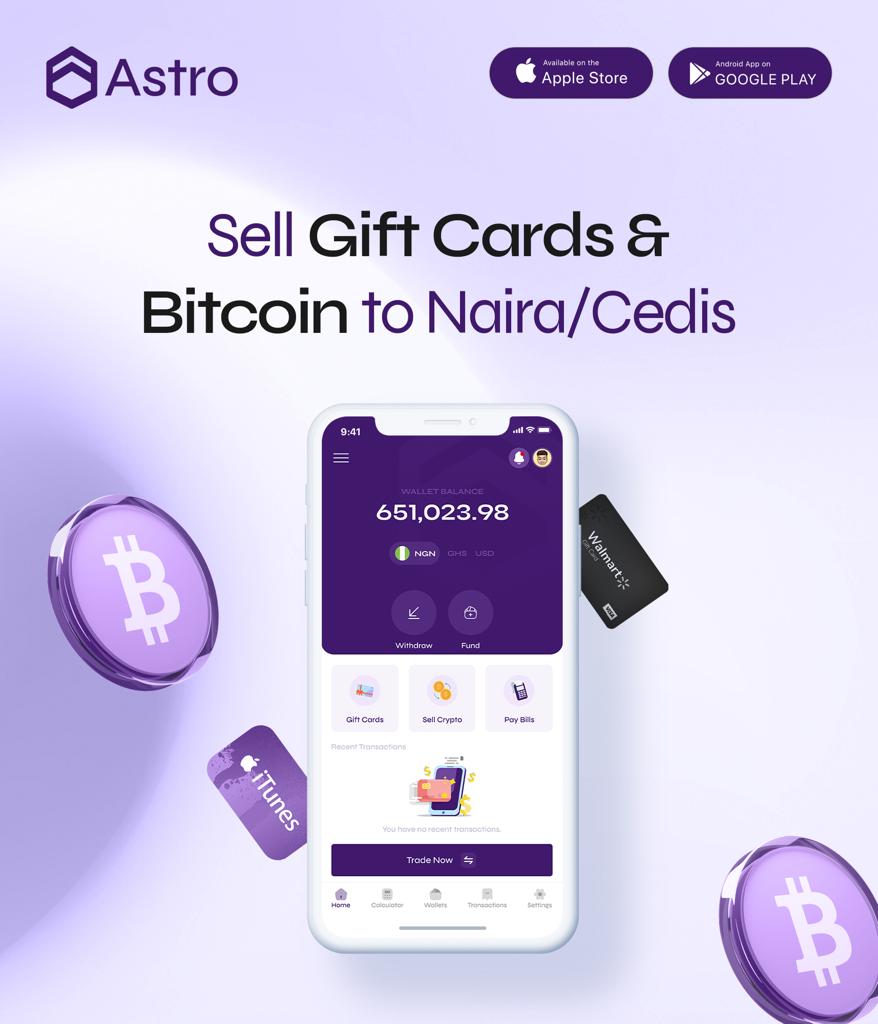
Moving USDT to Astro gives a different route. Instead of matching with a stranger, you deposit the USDT into your own Astro wallet and sell it to Astro at the rate shown in the app. In Nigeria the naira goes to a supported bank account, including OPay and PalmPay. In Ghana the cedis go to MTN MoMo, Telecel Cash (formerly Vodafone Cash) or AirtelTigo Money.
If you use Binance rather than Bybit or OKX, the steps are covered separately in the guide to sending USDT from Binance to Astro.
What you need before you start
- The Astro app, installed from the official App Store or Google Play listing, with your account set up. Sign-up does not ask for ID, and receiving and selling crypto does not require KYC verification.
- USDT in your Bybit or OKX funding account. Both exchanges split balances into different accounts (for example trading and funding). Withdrawals usually come from the funding account, so you may need to move USDT there first inside the exchange.
- Your exchange security tools. Bybit and OKX normally ask for an email code, an authenticator code or both before a withdrawal goes through. Keep your authenticator app on hand.
Step 1: Copy your USDT deposit address on Astro
- Open the Astro app and go to your USDT wallet.
- Tap to receive or deposit USDT.
- Choose the network you plan to use: TRC20, BEP20 or ERC20.
- Copy the address shown for that network. Use the copy button rather than typing it.
Write down, or keep in mind, which network you chose. You will need to select the same one on Bybit or OKX. TRC20 addresses start with “T”. BEP20 and ERC20 addresses both start with “0x”, which is why the network name matters more than the look of the address. The explainer on USDT TRC20 vs BEP20 vs ERC20 covers how the three networks differ.
Step 2a: Withdraw USDT from Bybit
Bybit’s menu names change from time to time, but the flow generally looks like this:
- Open Bybit and go to Assets, then tap Withdraw.
- Select USDT as the coin.
- Make sure you are on the on-chain withdrawal option, not the internal transfer to another Bybit user.
- Paste the Astro deposit address into the address field.
- Open the network or chain type list and pick the network that matches your Astro address. Bybit may show names such as TRC20, BSC (BEP20) or ERC20.
- Enter the amount. Bybit shows the network fee and the amount that will actually arrive.
- Review everything, then confirm with the security codes Bybit asks for.
Bybit may also offer an address book or withdrawal whitelist. If you save the Astro address, label it with the network, for example “Astro USDT TRC20”.
Step 2b: Withdraw USDT from OKX
OKX uses a similar flow:
- Open OKX and go to Assets, then Withdraw.
- Search for and select USDT.
- Choose On-chain withdrawal. OKX also offers an internal transfer option for sending to other OKX users by phone, email or account ID. That option will not reach Astro.
- Paste the Astro deposit address.
- Select the network that matches the address you copied from Astro.
- Enter the amount and check the network fee and the amount to be received.
- Confirm with the verification codes OKX requests.
The networks each exchange offers for USDT can change. If the network you chose in Astro is not available for withdrawal on your exchange, go back to Astro and copy the address for a network that both sides support. Never pick a network on the exchange just because the address “looks right”.
If the exchange asks where you are sending
Some exchanges now ask a short question before a withdrawal, such as whether the address belongs to another exchange, a platform or a personal wallet, and sometimes the platform name. This is part of the rules exchanges follow on transfers. Answer honestly and choose the option that describes Astro as the receiving platform. If you are unsure which option fits, contact Astro support before sending.
Step 3: Send a small test amount first
The first time you send USDT from Bybit or OKX to a new Astro address, or the first time you use a new network, send a small amount before the full balance. Once it shows in your Astro wallet, you know the address and network are correct, and the rest can follow.
Step 4: Wait for blockchain confirmations
After you confirm, the exchange processes the withdrawal and broadcasts it to the blockchain. The status on the exchange usually moves from processing to completed, and it often shows a transaction ID (TxID or hash).
Your deposit appears on Astro once the network has confirmed it. Timing depends on the exchange’s own processing and on how busy the network is. TRC20 and BEP20 transfers tend to settle quickly, while ERC20 can take longer when Ethereum is congested.
If the exchange shows the withdrawal as completed but nothing has appeared on Astro after a reasonable wait, keep the transaction ID and check the common causes in crypto deposit not showing in your wallet. Then contact Astro through in-app chat or [email protected] with the TxID, the network and the amount.
Mistakes that cause lost USDT
Choosing the wrong network
This is the most expensive mistake. If you copy a TRC20 address on Astro but send on another network, or send to a BEP20 address while choosing ERC20, the USDT may not arrive and cannot be recovered. The guide on sending crypto on the wrong network explains why.
Sending a different coin
A USDT address on Astro is for USDT. Sending USDC, BNB, TRX or any other coin to it, even on the same network, can mean that coin is lost. If you want to move another coin, copy that coin’s own deposit address in Astro.
Editing the address by hand
Always paste, never type. After pasting, compare the first and last few characters with the address in Astro. Some malware swaps copied crypto addresses for an attacker’s address, so this quick check matters.
Trusting someone who offers to “help”
Astro support will never ask for your exchange password, your authenticator codes or your seed phrase. Anyone in your DMs offering to complete the transfer for you is a risk, not a helper.
What to do after your USDT arrives on Astro
In Nigeria: sell USDT for naira
Open your USDT wallet, choose to sell, enter the amount and check the rate shown before you confirm. The naira lands in your Astro naira wallet, and you can withdraw it to a supported Nigerian bank account, including OPay and PalmPay. Eligible payouts can arrive in as fast as 60 seconds under normal conditions, though bank delays or maintenance can affect timing. For more on fintech payouts, see selling USDT to OPay or PalmPay.
In Ghana: sell USDT for cedis and withdraw to mobile money
Ghanaian users can sell USDT for cedis and withdraw to MTN MoMo, Telecel Cash or AirtelTigo Money. Ghana withdrawals are checked and processed by hand, so timing varies, and bank-account payouts in Ghana are paused for now. The full walkthrough is in how to sell USDT in Ghana and get paid to mobile money.
Or keep it as USDT
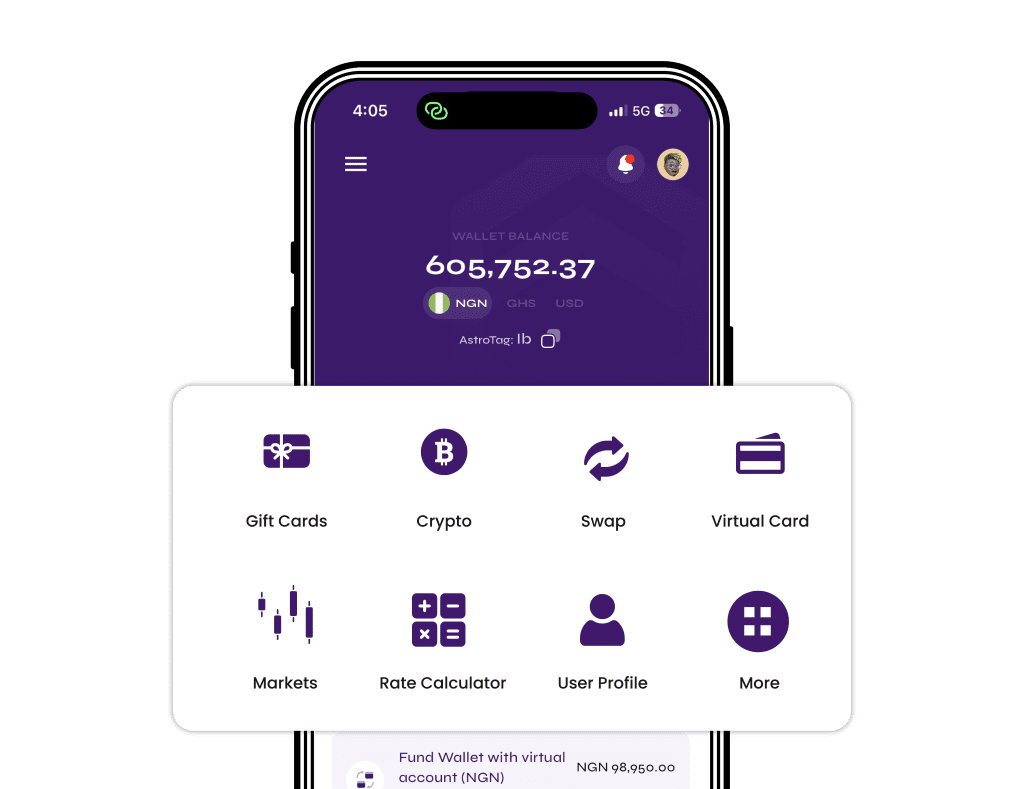
There is no need to sell straight away. USDT can stay in your Astro wallet. You can also use Instant Swap to move into another supported coin, or send USDT to another Astro user for free with Astro Tag.
Rates and timing to keep in mind
The USDT rate in the app moves with the market, so the figure you see today can differ tomorrow. Check the rate on the sell screen before you confirm. If you want to understand what moves it, read why the USDT to naira rate changes.
Once a withdrawal to your bank or mobile money is submitted, it can’t be cancelled. If a withdrawal fails, Astro refunds the full amount taken, including the withdrawal fee.
Frequently asked questions
Which network should I use to send USDT from Bybit to Astro?
Any network that both Bybit and Astro support for USDT will work, as long as the network on Bybit matches the address you copied on Astro. Astro supports TRC20, BEP20 and ERC20. Compare the network fee Bybit shows for each before choosing.
Can I transfer USDT from OKX to Astro the same way?
Yes. On OKX, choose On-chain withdrawal, paste your Astro USDT address and select the matching network. Don’t use OKX’s internal transfer, which only sends to other OKX accounts.
How long does a USDT transfer from Bybit or OKX take?
It depends on the exchange’s processing time and the network. TRC20 and BEP20 transfers usually settle quickly, while ERC20 can be slower when Ethereum is busy. The deposit shows on Astro once the network confirms it.
What if I chose the wrong network on Bybit or OKX?
USDT sent on the wrong network, or sent as a different coin, cannot be recovered. That is why sending a small test amount first and double-checking the network name are so important.
Do I need KYC on Astro to receive USDT from an exchange?
No. Sign-up doesn’t ask for ID, and receiving, selling and withdrawing crypto don’t need KYC verification. Some account-based features, such as Nigerian bank accounts, do require verification.
Why does the exchange ask me which platform I’m sending to?
Some exchanges ask about the receiving platform or wallet type as part of their transfer rules. Answer honestly. If you are unsure which option to pick, ask Astro support through in-app chat before sending.
Can I sell USDT for cedis and receive it in my bank account in Ghana?
Not for now. Ghana bank-account payouts are paused, so cedis withdrawals go to mobile money only: MTN MoMo, Telecel Cash or AirtelTigo Money. Ghana withdrawals are processed by hand, so timing varies.
My exchange shows “completed” but Astro shows nothing. What should I do?
Check the transaction ID on a block explorer for that network to see whether it has confirmations. If it has confirmed and still hasn’t appeared, contact Astro through in-app chat or [email protected] with the TxID, network and amount.
Where can I see the USDT rate?
Crypto rates are shown inside the Astro app on the sell screen and change with the market. Check the rate there before you confirm a sale.
Moving USDT from Bybit or OKX to Astro takes a few careful steps: copy the address for one network, make an on-chain withdrawal on the matching network, test with a small amount, then sell or hold. When you’re ready, download the Astro app and copy your USDT deposit address to get started.