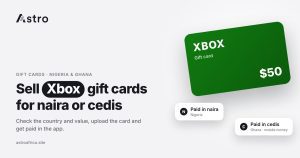
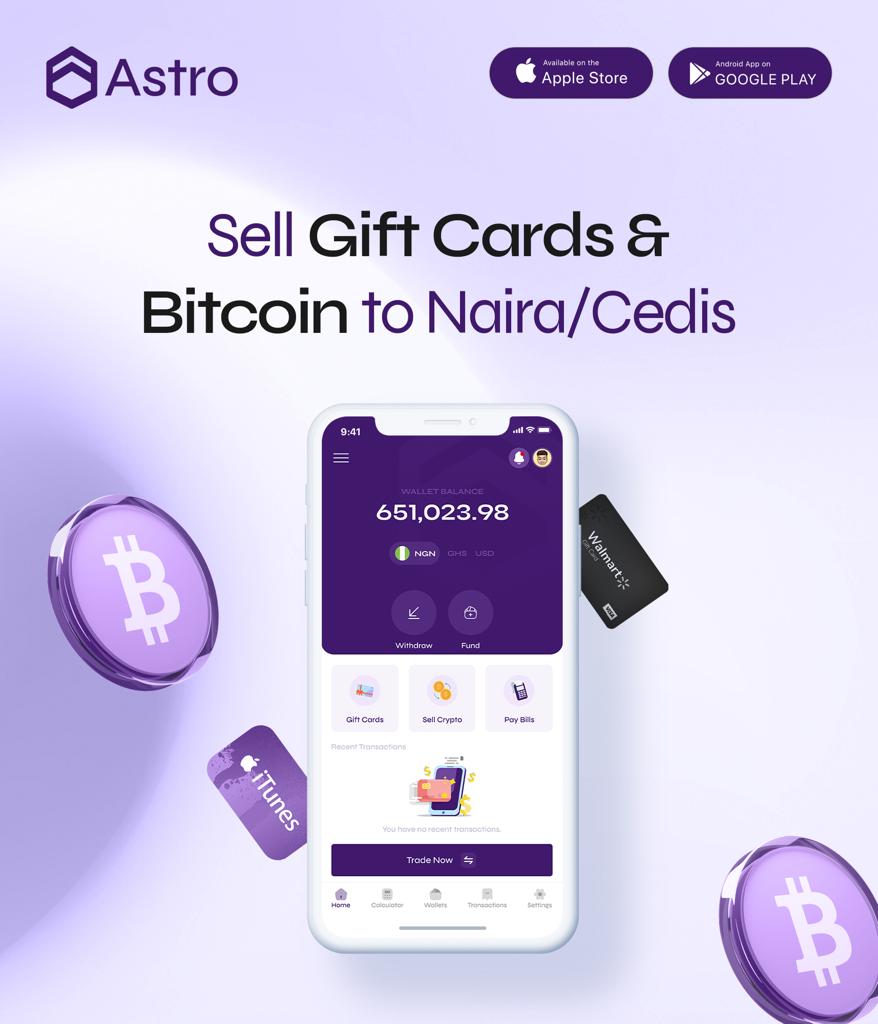
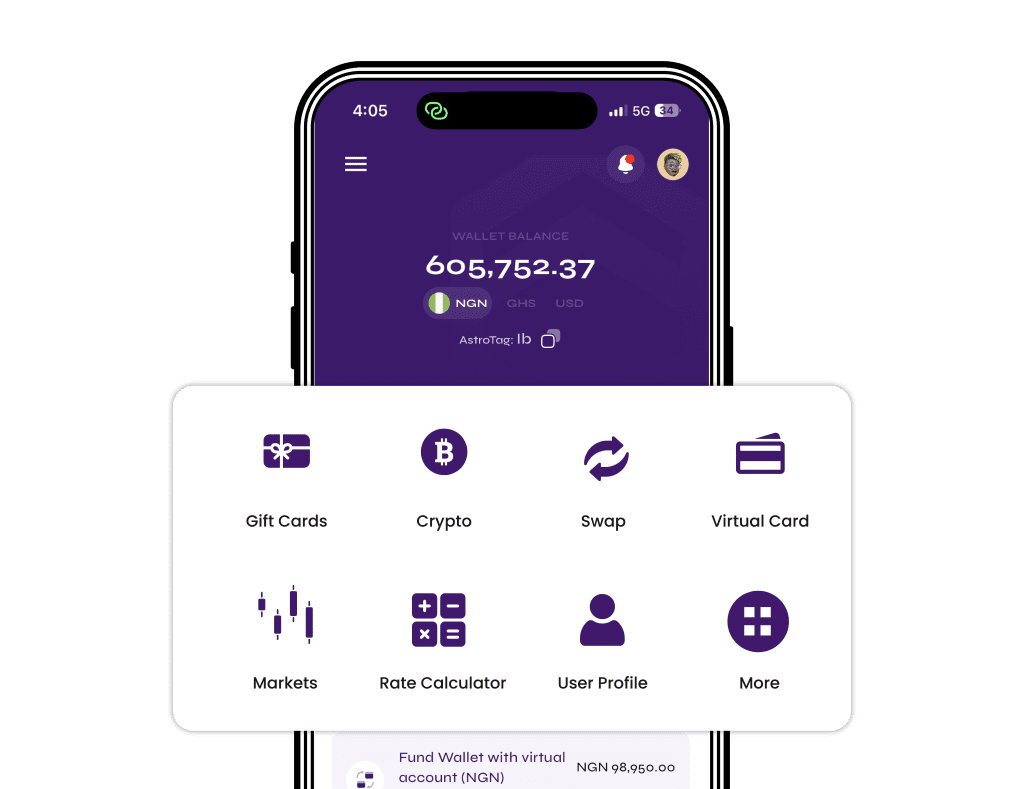
To sell an Xbox gift card in Nigeria, confirm the card’s country and value, check today’s Xbox rate, then upload the card in the Astro app and get paid in naira to your Nigerian bank account, OPay or PalmPay. Ghana users follow the same steps and receive cedis, which they can withdraw to mobile money.
This guide walks through each step, explains how e-codes and physical cards differ, and covers the mistakes that most often slow down or reduce an Xbox card payout.
Key points
- Xbox gift cards can be sold on Astro by users in Nigeria (paid in naira) and Ghana (paid in cedis).
- The rate depends on the card’s country, value and type. Check today’s live rates before you sell.
- Nigerian payouts go to Nigerian banks, including OPay and PalmPay. Ghana withdrawals go to mobile money only and are checked by the team.
- Once a gift card sale is submitted, it can’t be cancelled, so check every detail first.
- Never share an Xbox code in WhatsApp groups or with buyers you don’t know.
What is an Xbox gift card?
An Xbox gift card adds money to a Microsoft account. The balance can then be spent on games, add-ons, subscriptions and other content in the Microsoft Store and on Xbox consoles. The cards are sold in stores and online in many countries, including the United States, the United Kingdom, Canada and parts of Europe.
Many people in Nigeria and Ghana receive Xbox cards as gifts from friends or family abroad, as payment for online work, or after a promotion. If you don’t play on Xbox, or you would rather have local currency, selling the card is a practical option.
Before you sell: check three things
Most problems with Xbox card sales come from small details that could have been caught in a minute. Before opening any app, look at the following.
1. The card’s country
Xbox cards are issued for a specific country or region, and the currency printed on the card usually tells you which one. A card in US dollars is generally a US card, a card in pounds is generally a UK card, and so on. Rates often differ by country, so choosing the wrong country can lead to a delayed or rejected trade.
If you are unsure, check the purchase receipt, the store the card came from, or the currency shown when the card was bought online.
2. The card’s value
Note the exact value on the card. Some denominations attract a different rate from others. If the card has already been partly used, the remaining balance is what matters, not the printed amount. Astro has a separate guide on how to check your Xbox gift card balance if you need to confirm what is left on it.
One caution: checking a balance usually means signing in to a Microsoft account. Redeeming the code by mistake adds the money to that account and makes the card unsellable. Read each screen carefully before confirming anything.
3. E-code or physical card
Xbox cards come in two forms:
- E-code (digital): a 25-character code sent by email or shown on a receipt after an online purchase. There is no plastic card.
- Physical card: a card bought in a store, with the code hidden under a scratch-off strip on the back.
Both can be sold, but they may carry different rates. When you sell, choose the option that matches what you actually have.
| Detail | E-code | Physical card |
|---|---|---|
| What you upload | A clear screenshot of the code, or the code typed in | A clear photo of the card with the code fully visible |
| Receipt | Purchase email or online receipt, if you have it | Store receipt, if you have it |
| Common mistake | Cropping out part of the code | Scratching too hard and damaging characters |
| Rate | Check today’s live rates; e-code and physical rates can differ | |
How to check today’s Xbox gift card rate
Gift card rates move with demand and market conditions, so any rate you saw last week may not apply today. Astro shows Xbox rates for several countries and values on its live rates page, in both naira and cedis. You can also see the current rate inside the app before you submit a trade.
Rates on Astro don’t depend on the time of day. There is no “better hour” to sell, so the right time is simply when you have confirmed your card details.
If the rate changes between when you check and when you submit, the sale goes through at the rate showing when you submit. Take a final look at the rate on the confirmation step.
How to sell an Xbox gift card on Astro: step by step
The steps are the same for Nigerian and Ghanaian users. The only difference is the currency you receive.
- Download Astro and sign up. Sign-up asks for your email address. No ID is needed to create an account.
- Open the gift card section and choose to sell a gift card.
- Select Xbox from the list of cards.
- Choose the card’s country and type (e-code or physical) to match your card exactly.
- Enter the card value and review the amount you will receive in naira or cedis.
- Upload the card. Add a clear photo of the physical card, or a screenshot of the e-code. Add the receipt if you have one.
- Confirm with your 5-digit transaction PIN and submit.
- Wait for the card to be checked. The trade shows as processing while it is reviewed. Once approved, the money is added to your wallet.
Remember that a submitted gift card sale can’t be cancelled, so go over the country, type and value once more before you confirm.
Getting paid: Nigeria and Ghana
In Nigeria: naira to your bank, OPay or PalmPay
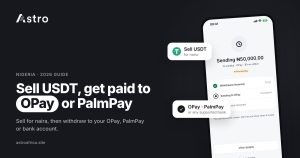
After an Xbox card is approved, the naira value goes to your Astro naira wallet. From there you can withdraw to a Nigerian bank account, including fintech banks like OPay and PalmPay. The least naira withdrawal is ₦300.
Eligible naira payouts can arrive in as fast as 60 seconds under normal conditions. Bank delays or maintenance on the receiving bank’s side can sometimes stretch that time. Payouts also run on weekends and public holidays.
A few things worth knowing:
- A withdrawal that is already in progress can’t be cancelled, so double-check the account number and bank name.
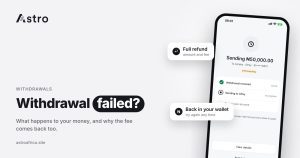
- If a withdrawal fails, everything taken is refunded to your wallet, including the withdrawal fee.
- You don’t have to withdraw straight away. You can keep the naira in your wallet or use it to buy supported crypto such as USDT.
In Ghana: cedis to mobile money
Ghana users are paid in cedis. After the Xbox card is approved, the cedi value goes to your Astro cedis wallet. You can then withdraw to mobile money: MTN MoMo, Telecel Cash (formerly Vodafone Cash) or AirtelTigo Money. Bank account withdrawals in Ghana are paused for now.
Ghana withdrawals are checked by the Astro team before they are sent, so they are not instant. Timing depends on the review and the mobile money network. You can also use your cedis balance to buy supported crypto inside the app. The Ghana hub has more on what is available for Ghanaian users.
Common mistakes when selling Xbox gift cards
These are the issues that most often cause delays, lower payouts or lost cards.
Choosing the wrong country
Selecting US when the card is actually a UK or Canadian card is one of the most common errors. Match the currency on the card to the country you select.
Selecting the wrong card type
An e-code uploaded as a physical card, or the other way round, may be rejected or re-rated. Pick the type that matches what you have.
Unclear photos or cropped codes
Blurry pictures, glare, or a code that is cut off at the edge slow down the review. Take the photo in good light, keep the whole code in frame, and check that every character is readable before uploading.
Damaging the scratch strip
Scratch gently with a coin edge rather than a key or knife. Missing or scratched-out characters can make a physical card impossible to use.
Redeeming the card by accident
If you sign in to check the balance and press redeem, the money moves into that Microsoft account. A redeemed card has no value left to sell.
Sending the code to strangers
Once someone has the code, they can use it. Selling to unknown buyers on WhatsApp or social media is risky, because the code can be redeemed before you are paid. Astro’s guide on the risks of trading gift cards on WhatsApp groups covers the common tricks in more detail.
Uploading the same card twice
Submitting a card on more than one platform, or twice on the same app, usually leads to the second trade failing and can cause account problems. Upload each card once.
Keeping your account and card safe
No platform can remove every fraud risk, but a few habits help a lot:
- Only buy gift cards from trusted stores, and keep the receipt.
- Never share your Astro password, transaction PIN or one-time codes with anyone, including people claiming to be support staff.
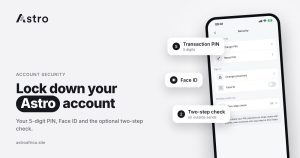
- Turn on Face ID and, if you send crypto outside Astro, the optional two-step check with an authenticator app.
- Use only the official app and website. The security page explains how Astro protects accounts.
For more general advice, see Astro’s guide to avoiding scams in Nigeria.
Other gift cards you can sell on Astro
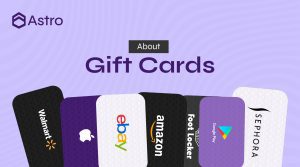
Xbox is one of many cards Astro accepts. Others with live rates include Apple/iTunes, Steam, Google Play, Razer Gold, eBay, Nike, Sephora, Nordstrom, Foot Locker, Macy’s, Roblox, Walmart, Target, Coach, Saks and Finish Line. If you also have an Apple card, the guides on selling Apple gift cards in Nigeria and selling Steam cards in Ghana are useful next reads. The full list is on the gift cards page.
Frequently asked questions
Can I sell an Xbox gift card in Nigeria?
Yes. Nigerian users can sell Xbox gift cards on Astro and receive naira, which can be withdrawn to a Nigerian bank account, including OPay and PalmPay.
Can I sell an Xbox gift card in Ghana?
Yes. Ghana users can sell Xbox gift cards and are paid in cedis. The cedis can be withdrawn to MTN MoMo, Telecel Cash or AirtelTigo Money.
What is the Xbox gift card rate today?
Rates change with the market and differ by country, value and card type. Check today’s live rates or the rate shown in the app before you sell.
Is an Xbox e-code rate different from a physical card rate?
It can be. That is why it matters to select the correct type when you sell. The live rates page and the app show the current rate for each option.
How long does it take to get paid?
The card is checked first. After approval, eligible naira withdrawals can arrive in as fast as 60 seconds under normal conditions, though bank delays can affect timing. Ghana mobile money withdrawals are checked by the team and are not instant.
Do I need ID to sell an Xbox gift card?
Sign-up only asks for your email, and no ID is needed to create an account. Some features, such as a Nigerian bank account or naira account number in your name, do require verification.
Can I cancel an Xbox gift card sale?
No. Once a gift card sale is submitted, it can’t be cancelled. Check the country, type and value before you confirm.
What happens if I submit a card that was already used?
A card with no balance left can’t be paid for. Confirm the balance before selling, and make sure the code hasn’t been redeemed.
Can I sell a partly used Xbox card?
Enter the remaining balance rather than the printed amount, and check that the value is accepted for that country on the rates page.
Can I keep the money in my wallet instead of withdrawing?
Yes. You can hold the balance in your Astro wallet and withdraw later, or use it to buy supported crypto such as USDT.
Have an Xbox gift card you don’t plan to use? Check today’s rate, then sell it in a few steps and get paid in naira or cedis. Download the Astro app to get started.