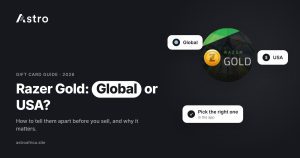
A Razer Gold USA card is tied to the United States region and is usually bought from a US store or a US online seller, while a “Global” Razer Gold PIN is sold to be used across many countries rather than one. Both are usually in US dollars, so the dollar sign alone won’t tell you which one you have; the wording on the card, the receipt and the seller’s listing will.
This guide explains why the region matters when you sell, how to check what you are holding before you upload it, which Razer Gold regions Astro currently lists, and how to sell a Razer Gold card for naira in Nigeria or cedis in Ghana.
Key points
- Razer Gold cards and PINs are tied to a region. “USA” means the United States; “Global” means the PIN was sold for use in many countries.
- Both often show a US dollar value, so check the region wording, not just the “$” sign.
- Astro lists Razer Gold by region: USA, Euro, Canada, Australia, Brazil, Mexico, Malaysia, Hong Kong and Singapore, each as a physical card or an e-code.
- Astro doesn’t have a separate “Global” section, so contact support before submitting a Global PIN.
- A card uploaded in the wrong section is moved to the right one and paid at that section’s current rate.
What is Razer Gold?
Razer Gold is a prepaid gaming credit from Razer. People use it to pay for games, in-game items and subscriptions on many gaming platforms. You can buy it as a physical card from a shop (with a scratch-off PIN on the back) or as a digital code, often called an e-code, sent by email or shown on a seller’s website.
Like most gift cards, Razer Gold is issued for a specific region. A card bought for one region carries that region’s currency and rules, and that affects how a trading platform values it. That is why “which country is my Razer Gold from?” is the first question to answer before you sell. For a broader overview of the card itself, see the step-by-step guide to trading Razer Gold on Astro.
Razer Gold Global vs USA: the main difference
The difference comes down to where the credit is meant to be used.
- Razer Gold USA is issued for the United States. Physical USA cards are sold in US shops, and USA e-codes come from US sellers. The value is in US dollars.
- Razer Gold Global is a PIN that Razer and its sellers market for use in many countries instead of a single one. It is commonly sold online, and the value is also usually shown in US dollars.
Because both often say “$25”, “$50” or “$100”, people mix them up. A trader who gets a dollar code from a friend abroad may assume it is a USA card when it is actually a Global PIN.
| Razer Gold USA | Razer Gold Global | |
|---|---|---|
| Region | United States | Sold for use in many countries |
| Usual currency shown | US dollars | Usually US dollars |
| Where it is usually bought | US shops (physical) or US online sellers (e-code) | Online sellers and digital code stores |
| What the label or listing usually says | “USA”, “US” or a US store name on the receipt | “Global” in the product name or listing |
| Section on Astro | Razer Gold USA (physical card or e-code) | No separate section; ask support first |
Why the region matters when you sell
Gift card rates are set per card type and per country. A Razer Gold USA card and a Razer Gold Euro card of the same face value are two different products, and they can have different rates on the same day. The same is true for physical cards versus e-codes, and sometimes for different value ranges.
If you upload a card in the wrong section, it doesn’t disappear. On Astro, a card submitted in the wrong section is forwarded to the correct one and credited at the current rate for that section. That rate may be different from the one you saw when you chose the wrong category, and once a sale is submitted it can’t be cancelled.
The common mistakes people make when selling Razer Gold in Ghana include exactly this: choosing a country by guesswork.
How to tell which Razer Gold you have
You don’t need special tools. Work through these checks in order, and stop as soon as one gives a clear answer.
1. Read the card or the code listing
Physical cards usually show the region or currency on the front or back, along with the terms of use. Look for wording that names a country or says where the card can be used. For an e-code, open the email or the order page from the seller. The product name often says “Razer Gold USA”, “Razer Gold US” or “Razer Gold Global” in plain words.
2. Check the receipt
A receipt from a US shop, with a US address and a dollar total, points strongly to a USA card. A receipt or invoice from an online code store will usually repeat the product name, including the region. Astro asks for a receipt with physical Razer Gold cards, so keep it safe anyway. If the payment receipt doesn’t show the card’s serial number, the activation receipt helps.
3. Look at the currency
The currency helps you rule things out. A card in euros belongs in the Euro section. Canadian dollars point to Canada, Australian dollars to Australia, Brazilian reais to Brazil, Mexican pesos to Mexico, and so on. A US dollar value narrows it down to USA or Global, which is where the next check matters.
4. Ask the person who bought it
If someone abroad sent you the card, ask them where they bought it and what the product page called it. A screenshot of the order page is often the quickest way to settle the question.
5. If you are still unsure, ask before you submit
When a card says “Global”, or when you can’t confirm the region at all, contact Astro support from the app before you upload. Support can tell you how that card is handled. This is far better than guessing, because a submitted sale can’t be changed or cancelled.
Which Razer Gold regions Astro lists
At the time of writing, Astro lists Razer Gold in these regions, each as a physical card or an e-code:
- USA
- Euro
- Canada (CAD)
- Australia (AUD)
- Brazil
- Mexico
- Malaysia
- Hong Kong
- Singapore
Each region has its own accepted value range, which the app shows when you pick it. The list can change, so always check the app or the live gift card rates page before you sell. If you have a Singapore card, the Singapore Razer Gold guide covers it in detail, and the €50 Euro Razer Gold guide covers euro cards. There is also an older guide to Japan Razer Gold cards, but Japan isn’t in Astro’s current Razer Gold list, so check the app before trying to sell one.
Physical card or e-code?
Astro treats physical Razer Gold cards and e-codes as separate sections, so you also need to pick the right format.
- Physical card: upload a clear picture of the card with the PIN fully scratched and readable, plus the receipt. The card number on the receipt should match the card.
- E-code: enter or upload the code exactly as the seller provided it. Don’t retype it from memory, and check every character.
Whichever format you have, confirm the value, quantity and country before you submit. These details can’t be edited after the sale is confirmed.
How to sell Razer Gold on Astro
Signing up on Astro doesn’t ask for ID. Once you have an account:
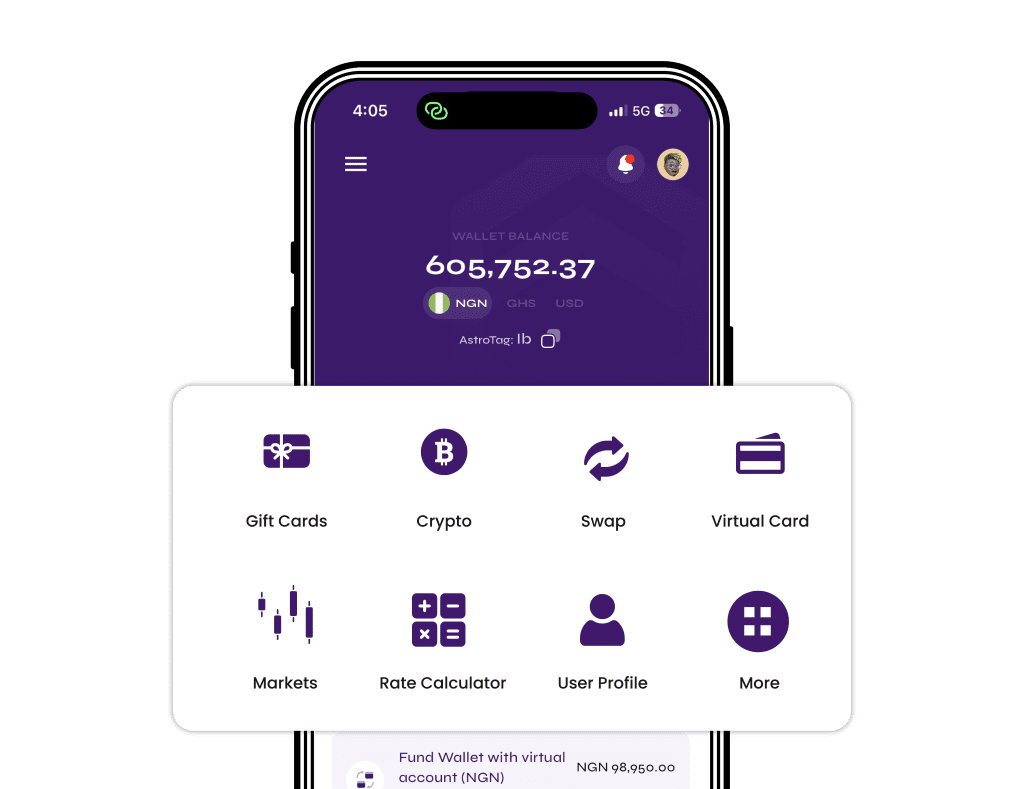
- Open the Astro app and choose to sell a gift card.
- Select Razer Gold.
- Pick the region that matches your card, such as USA, and choose physical card or e-code.
- Enter the card value and quantity.
- Upload clear pictures of the card and receipt, or enter the e-code.
- Review the amount you’ll receive at the current rate shown, then submit.
If the rate changes while you are filling in the form, the sale goes through at the new rate shown when you submit. Rates don’t depend on the time of day, so there is no “better hour” to sell. To understand what drives the numbers, read how to tell which country your Apple gift card is from, which explains the same country-based pricing for Apple cards.
In Nigeria: paid in naira
Once your Razer Gold sale is approved, the naira lands in your Astro wallet. You can withdraw it to a Nigerian bank account, including OPay and PalmPay. Eligible payouts can arrive in as fast as 60 seconds under normal conditions, though bank delays or maintenance can affect timing. Payouts also run on weekends and public holidays. For more Nigeria-specific tips, see how to sell a Razer Gold gift card for cash in Nigeria.
In Ghana: paid in cedis to mobile money
Ghanaian users can sell Razer Gold and get paid in cedis. Withdrawals go to mobile money: MTN MoMo, Telecel Cash (formerly Vodafone Cash) or AirtelTigo Money. Ghana withdrawals are checked and processed by the Astro team, so timing can vary, and bank account payouts in Ghana are paused for now. The guide to selling Razer Gold in Ghana has more on this, and the Ghana page lists what is available there.
Staying safe with Razer Gold codes
Razer Gold is a common target for scams because codes are easy to pass around. No platform can promise zero fraud risk, but a few habits help:
- Only accept cards from people you know or trust. A stranger “paying” you with a code can redeem it before you sell it.
- Don’t share your PIN or code in public chats or with anyone claiming to be Astro support in your DMs.
- Keep the receipt until your sale is complete.
- Never redeem a card you plan to sell. Once it is redeemed, it has no value to sell.
Frequently asked questions
Is Razer Gold Global the same as Razer Gold USA?
No. Both are usually in US dollars, but a USA card is tied to the United States, while a Global PIN is sold for use in many countries. Check the product name, the card wording or the receipt to tell them apart.
How do I know if my Razer Gold card is from the USA?
Look for “USA” or “US” on the card or in the seller’s listing, a US shop on the receipt, and a US dollar value. If the card was bought in a US store, it is almost always a USA card.
Can I sell a Razer Gold Global PIN on Astro?
Astro doesn’t list a separate Global section right now. Contact support in the app before submitting a Global PIN so you know how it will be handled.
What happens if I choose the wrong Razer Gold country?
The card is forwarded to the correct section and credited at that section’s current rate. The sale can’t be cancelled once submitted, so it is worth checking the region first.
Which Razer Gold countries does Astro accept?
At the time of writing, Astro lists USA, Euro, Canada, Australia, Brazil, Mexico, Malaysia, Hong Kong and Singapore, as physical cards or e-codes. Check the app or the rates page, as the list can change.
Do physical Razer Gold cards need a receipt?
Yes. Upload a clear picture of the card with the PIN fully visible, along with the receipt. If the payment receipt doesn’t show the card’s serial number, add the activation receipt.
What is today’s Razer Gold rate in naira or cedis?
Rates change with the market and differ by country and format. See today’s live gift card rates or check the app before you sell.
Can I sell Razer Gold in Ghana for cedis?
Yes. Ghanaian users can sell Razer Gold and withdraw the cedis to MTN MoMo, Telecel Cash or AirtelTigo Money. Ghana withdrawals are processed by the team, so timing varies.
Can I cancel a Razer Gold sale after submitting it?
No. Once a gift card sale is submitted, it can’t be cancelled or edited, so confirm the country, format, value and quantity first.
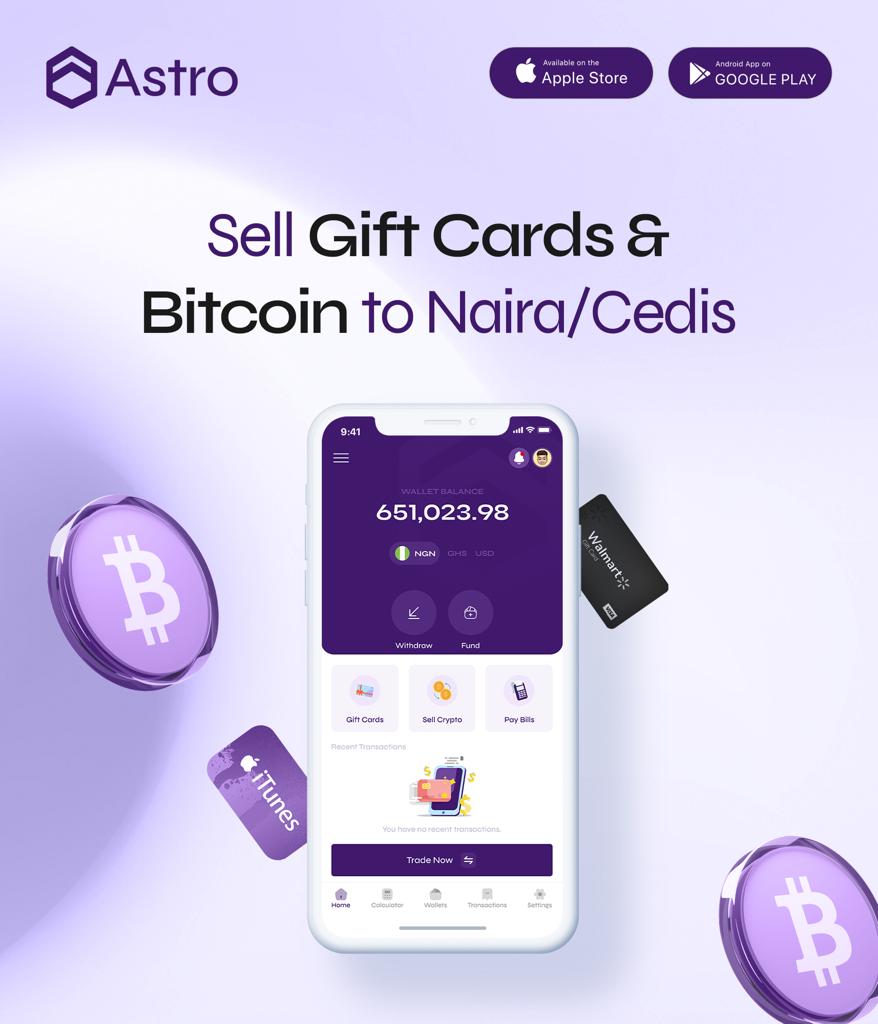
Telling Razer Gold Global and USA apart takes a minute: read the label, check the receipt, and ask if you are unsure. When you know what you are holding, download the Astro app and sell your Razer Gold card for naira or cedis in the right section.