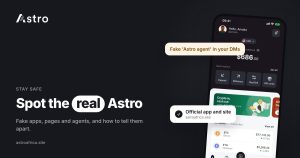
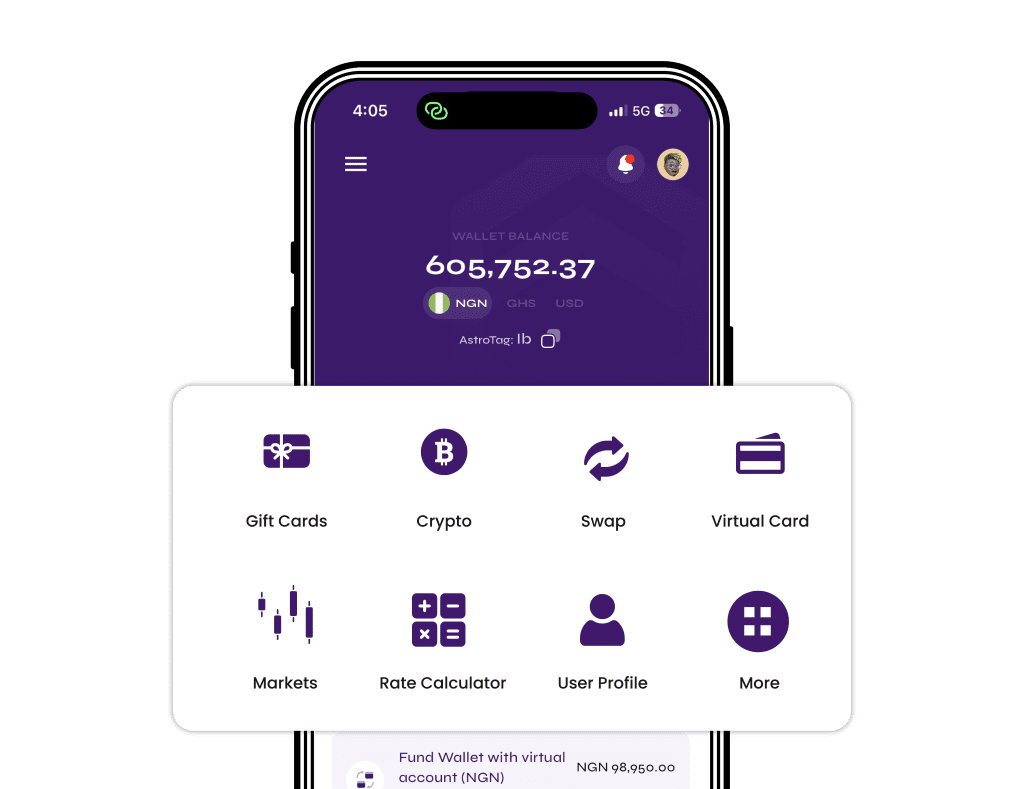
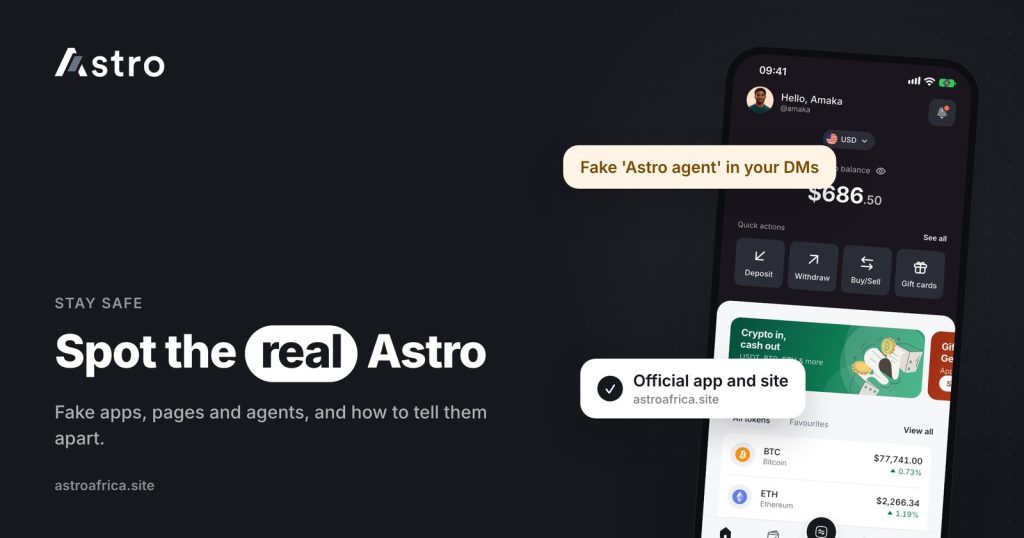
Real Astro Africa customer care is reached in two ways: the chat inside the Astro app, and email to [email protected]. Anyone who contacts you first on WhatsApp, Telegram, Instagram or X claiming to be “Astro support”, or who asks for your PIN, your two-step code, or money to “unlock” your account, is not Astro.
As Astro grows in Nigeria and Ghana, scammers copy its name, logo and colours to set up fake apps, fake pages and fake “agents”. This guide shows what the real Astro looks like, the tricks impersonators use, how to check whether something is genuine, and what to do if you think you have been targeted.
Key points
- Official support is the in-app chat and [email protected]. Start from those, not from a link someone sends you.
- The official website is astroafrica.site. Download the app from the official App Store or Google Play listing, reached from astroafrica.site/get.
- No real Astro staff member will ask for your 5-digit PIN, your two-step code, or your password.
- Astro will never ask you to send crypto, gift cards or money to “verify”, “unlock” or “upgrade” your account.
- Trades happen inside the app. A “trader” asking you to deal outside the app is not part of Astro.
Where the real Astro lives
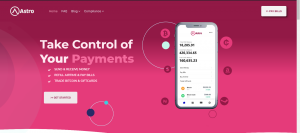
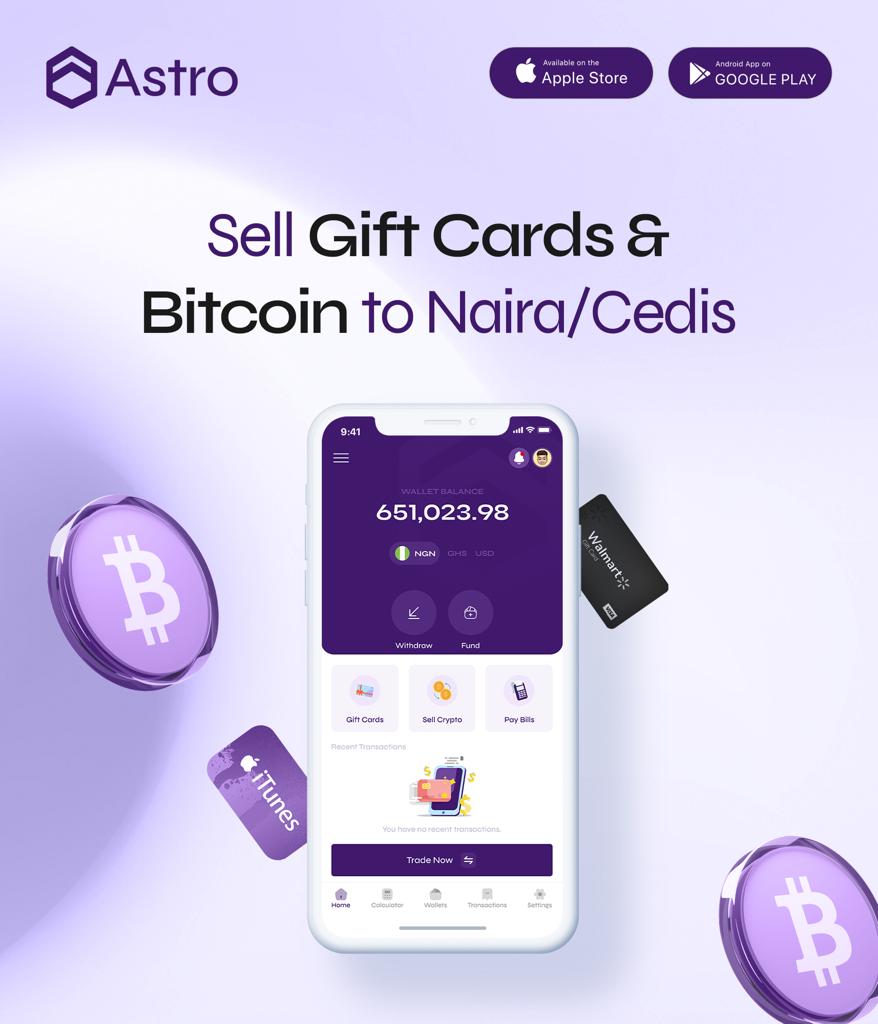
Before looking at the fakes, it helps to know exactly what the real thing looks like. Keep this list handy:
| What | Official version |
|---|---|
| Website | astroafrica.site |
| Web app | app.astroafrica.site |
| Mobile app | Astro on the Apple App Store and Google Play, linked from astroafrica.site/get |
| Support email | [email protected] |
| Live support | The chat inside the Astro app |
| Company | ASTRO DIGITAL MANAGEMENT LIMITED (RC 2016680) |
Notice the spelling. Scammers often register look-alike addresses that add a word, swap a letter, or use a different ending, such as “astro-africa-support” or “astroafrica-help”. If an address is not on the list above, treat it with suspicion.
Fake Astro apps
A fake app copies Astro’s name and logo, then either steals your login details or tricks you into depositing crypto into an address the scammer controls. Fake apps usually spread in these ways:
- APK files sent on WhatsApp or Telegram. A message says “download the new Astro update here” and attaches a file. Real updates come through the App Store or Google Play.
- Look-alike store listings. A copycat app with a similar name and icon but a different developer name.
- Links in ads or comments that lead to a download page that isn’t astroafrica.site.
To stay safe, always install Astro from the official store listing. The easiest way is to open astroafrica.site/get in your browser, which sends you to the right store for your phone. On Android, never install the app from a file someone sent you.
Fake pages and profiles
Fake social media pages copy Astro’s name, logo and posts, then use them to run “giveaways”, “rate promos” or “customer care” accounts. Common signs include:
- A handle with extra words, numbers or underscores, such as “astro_support_247” or “astroafrica.help”.
- Very few posts, or posts copied from the real account with poor-quality images.
- Comments under a real Astro post, or under a complaint, saying “DM me for help” or “message this number”.
- Promises of rates far above what the app shows, or “double your crypto” offers.
- Giveaways that ask you to pay a “processing fee” or send crypto before you can claim a prize.
Real Astro giveaways and promotions state who can take part, how to enter, how winners are chosen and what the prizes are. They never ask you to send money or crypto to claim a prize.
Fake agents and “customer care” numbers
This is the most common trick. A person posts a complaint online, such as “my withdrawal is delayed”, and within minutes someone replies or sends a direct message pretending to be Astro customer care. They then:
- Ask for your PIN, password or two-step code “to check your account”.
- Ask you to send crypto or a gift card to “verify” your wallet or “release” a payment.
- Send a link to a page that looks like the Astro login screen.
- Ask you to share your screen or install a “support app” that gives them control of your phone.
- Push you to act fast, claiming your account will be blocked or your funds lost.
Real Astro support does not work this way. Help comes through the in-app chat or [email protected], and a real agent will never ask for your PIN, password or two-step code. Astro is also a custodial app, which means there is no Astro seed phrase for anyone to ask about. If someone asks for recovery words, they are trying to empty a wallet. The guide on what a seed phrase is explains why.
Fake “Astro traders” outside the app
Some scammers claim to be “Astro traders” or “Astro agents” who will buy your crypto or gift cards at a better rate if you deal with them directly on WhatsApp. Trades on Astro are completed inside the app, not through agents in chats. When you sell crypto or a gift card on Astro, you do it inside the app, at the rate shown in the app, and the payment lands in your Astro wallet.
Dealing privately removes every safeguard. If the other person doesn’t pay, there is no record inside Astro and nothing Astro can recover. The guide on the risks of trading gift cards on WhatsApp groups covers this in more detail.
Common scripts impersonators use
Scammers repeat the same lines because they work. If you hear any of these, stop:
- “Your account has been flagged. Send a small amount to verify it.” Astro does not verify accounts by asking you to send money.
- “Your withdrawal is stuck. Pay a release fee.” If a withdrawal fails on Astro, the amount taken, including the withdrawal fee, is refunded automatically. See what happens when a withdrawal fails.
- “Read me the code we just sent you.” That code is your security check. Sharing it lets someone else into your account.
- “You’ve won a giveaway. Pay delivery to claim it.” Real prizes don’t require a payment.
- “I’m from Astro. Let’s finish this on WhatsApp.” Real help stays in the app chat or official email.
How to check whether something is really Astro
- Don’t use the link or number they gave you. Open the Astro app yourself, or type astroafrica.site into your browser.
- Check the address carefully. Website, email and download links should match the official list above exactly.
- Ask in the in-app chat. If someone claims to be from Astro, ask support through the app whether the message is genuine.
- Look at what they are asking for. Any request for a PIN, password, two-step code, seed phrase, or money to “unlock” something is a red flag on its own.
- Slow down. Pressure and urgency are the scammer’s tools. A real support team can wait while you check.
Protect your account before anything happens
A few settings make your Astro account much harder to misuse, even if someone gets hold of your details:
- Keep your 5-digit transaction PIN private and different from your phone unlock code.
- Use Face ID to unlock the app and confirm payments, where your phone supports it.
- Turn on the optional two-step check with an authenticator app. It is asked for on outside crypto sends and Astro Tag crypto sends.
- Lock your phone and email with strong, separate passwords, since access to your email can be used to target your accounts.
The guide to account security on Astro walks through each setting, and the security page summarises how Astro protects accounts. No app can promise zero fraud risk, but these steps remove the easiest routes in.
What to do if you think you have been targeted
- Stop replying to the person and don’t click any more links they send.
- Change your password and, if you shared your PIN, change it in the app straight away.
- Turn on the two-step check if it isn’t already on.
- Contact real Astro support through the in-app chat or [email protected]. Include screenshots of the messages, the account or number that contacted you, and any transaction details.
- Report the fake account on the platform where you found it, so it can be taken down.
- Report fraud to the police if you lost money. In Nigeria and Ghana, keep every screenshot and receipt as evidence.
Be honest with yourself about what was shared. If you sent crypto to an outside address, it usually can’t be reversed, but reporting quickly still helps protect your remaining funds and warn others. For a wider look at common tricks, see crypto scams in Nigeria and how to protect yourself.
Frequently asked questions
What is the real Astro Africa customer care contact?
The chat inside the Astro app and email to [email protected]. Start from these yourself rather than from a link or number someone sends you.
Does Astro have a WhatsApp customer care number?
Astro’s support runs through the in-app chat and email. Treat any WhatsApp account that messages you first claiming to be Astro customer care as suspicious, and check through the app before replying.
Will Astro ever ask for my PIN or two-step code?
No. No real Astro staff member will ask for your 5-digit PIN, your password or your two-step code. Anyone who asks is trying to get into your account.
Will Astro ask me to send money to verify my account?
No. Astro never asks you to send crypto, gift cards or money to verify, unlock or upgrade your account.
How do I know I have downloaded the real Astro app?
Install it only from the official App Store or Google Play listing. Opening astroafrica.site/get in your browser takes you to the right store for your phone. Never install the app from a file sent in a chat.
Is there an Astro seed phrase?
No. Astro is a custodial app, so you sign in with your account details and protect it with a PIN, Face ID and the optional two-step check. Anyone asking for “Astro recovery words” is a scammer.
Someone offered to buy my gift card for Astro at a higher rate. Is that real?
No. Astro doesn’t use outside agents to complete trades. Sales happen inside the app at the rate shown there, and the payment goes to your Astro wallet.
My withdrawal is delayed. Do I need to pay a fee to release it?
No. There is no “release fee”. In-progress withdrawals show “Processing”, and if a withdrawal fails, everything taken, including the withdrawal fee, is refunded. Ask in the in-app chat if you’re unsure.
How can I report a fake Astro page or app?
Report it on the platform where you found it, and send the details to [email protected] or the in-app chat so the team is aware.
Is the support email the same for Nigeria and Ghana?
Yes. Customers in both countries can use [email protected] or the in-app chat.
The simplest rule is to start every support conversation yourself, from the app or the official email, and to never share your PIN or codes with anyone. If you don’t have the real app yet, download Astro from the official link and keep your account protected from day one.